14
Recording on a tape
For hookup instructions, see pages 35 - 36.
To record on a MiniDisc or DAT recorder, connect the component
(see page 37).
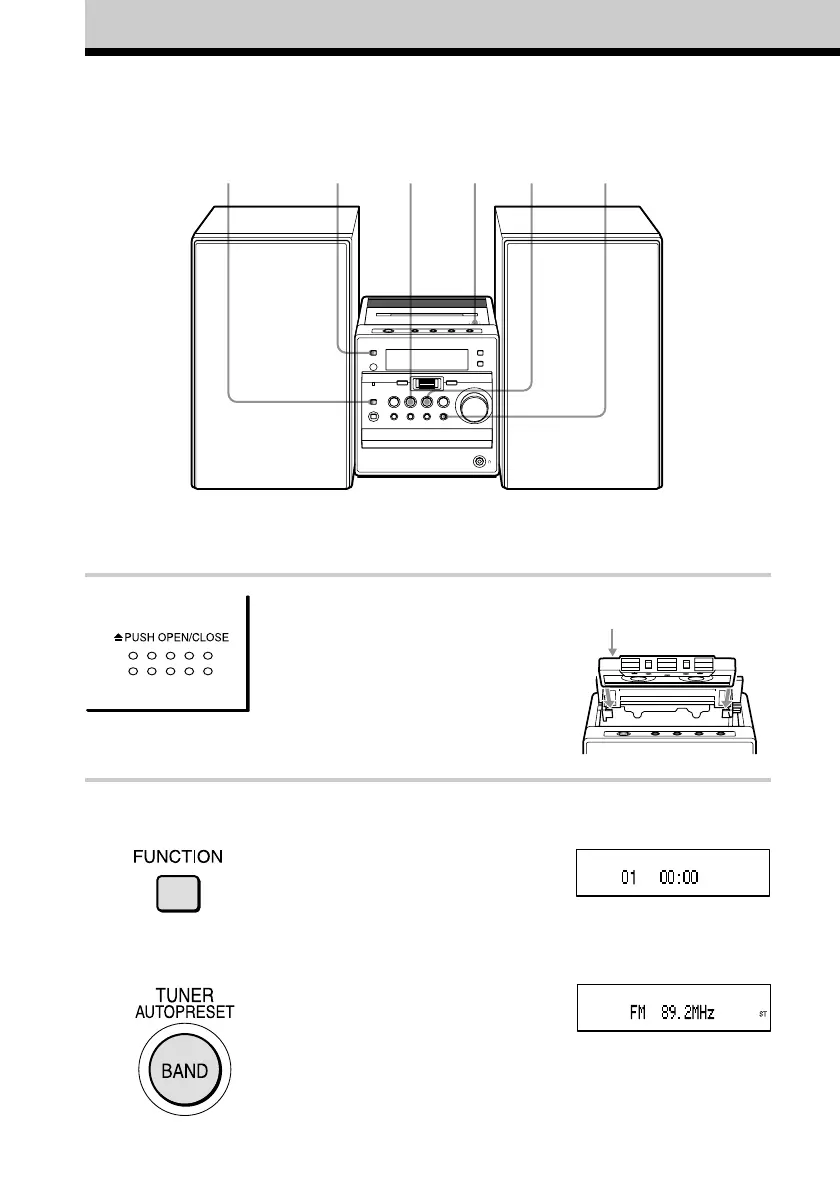
1 Press Z PUSH OPEN/CLOSE to
open the tape compartment, and
insert a blank tape. Use TYPE I
(normal) tape only.
Press Z PUSH OPEN/CLOSE again
to close the compartment.
2 Select the program source you want
to record.
To record from the CD player: Insert
a CD (see page 6) and press
FUNCTION repeatedly until “CD”
appears. Select a track you want to
record (see pages 18 - 20).
To record from the radio: Tune in
the station you want (see page 10).
1
With the side you want
to record on facing up
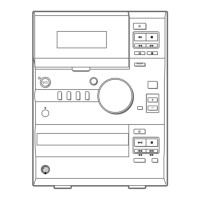
3, 6
Display
2
245


 To Next Page