11
Playing tracks in your favorite order (PGM play)
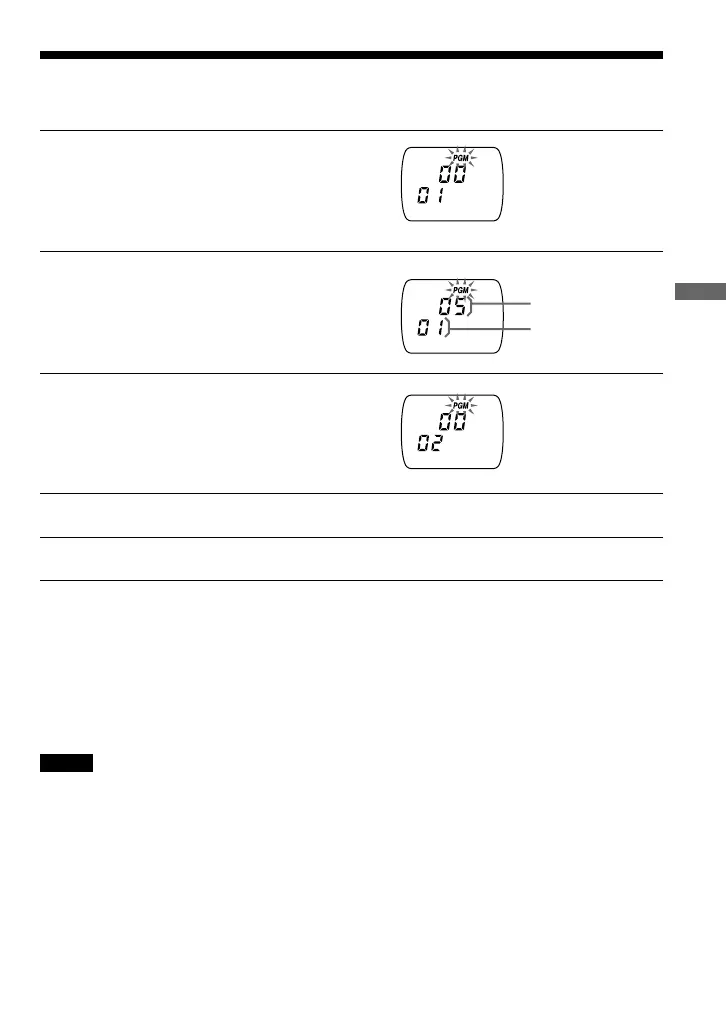
You can program the CD player to play up to 64 tracks in your favorite order.
1
During playback, press PLAY MODE
repeatedly until “PGM” appears.
2
Push the 3-way control key toward
. or N/> to select a track.
3
Press REPEAT/ENTER to enter
the selected track.
“00” appears and the playing order increases
by one.
4
Repeat steps 2 and 3 to select the tracks in your favorite order.
5
Hold down REPEAT/ENTER to start PGM play.
To check the program
During programming:
Press REPEAT/ENTER repeatedly before step 5.
During the PGM play:
Press PLAY MODE repeatedly until “PGM” flashes, then press REPEAT/ENTER.
Each time you press REPEAT/ENTER, the track number appears.
Notes
• When you finish entering the 64th track in step 3, the first selected track appears in the display.
• If you select more than 64 tracks, the first selected tracks are erased.
Track number
Playing order
Playback options


 To Next Page
 Loading...