7
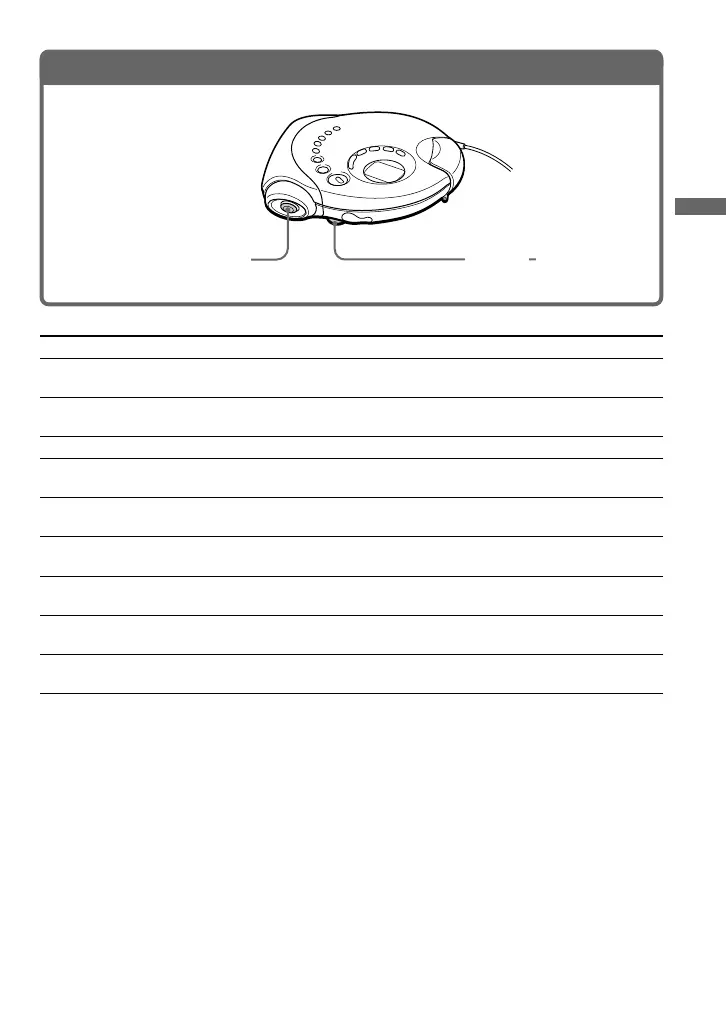
To Do this
Play (from the point you stopped) Push the 3-way control key toward N/>.
Playback starts from the point you stopped.
Play (from the first track) Push the control key toward N/> and hold
it for 2 seconds or more.
Stop Press x•RADIO OFF/CHG.*
2
Find the beginning of the current track (AMS*
1
) Push the control key toward . once
quickly.*
2
Find the beginning of the previous tracks (AMS) Push the control key toward .
repeatedly.*
2,
*
3
Find the beginning of the next track (AMS) Push the control key toward N/> once
quickly.*
2,
*
3
Find the beginning of the succeeding tracks (AMS) Push the control key toward N/>
repeatedly.*
2,
*
3
Go backwards quickly Push the control key toward . and
hold it.*
2
Go forward quickly Push the control key toward N/> and
hold it.*
2
*
1
Automatic Music Sensor
*
2
These operations can be done during play.
*
3
After you have played the last track, you can return to the beginning of the first track by pushing the 3-way
control key toward N/>. Similarly, if you are at the first track, you can locate the last track by pushing
the control key toward ..
Playing a CD
3. Play a CD.
(Continued)
Adjust the volume.
Push the 3-way control
key toward N/>.


 To Next Page
 Loading...