17
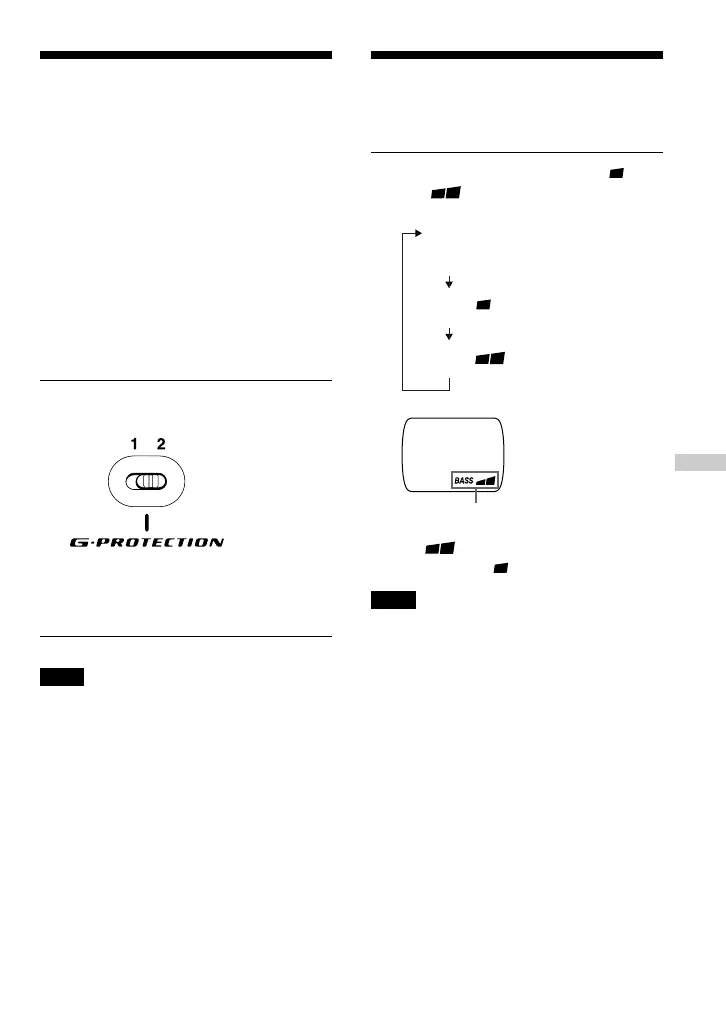
Emphasizing the bass
sound
(SOUND)
You can emphasize the bass-boosted sound.
Press SOUND to select “BASS ” or
“BASS .”
“BASS ” enhances the bass sound
more than “BASS .”
Note
If the sound is distorted when using the SOUND
function, turn down the volume.
The selected sound mode is displayed.
B
Available features
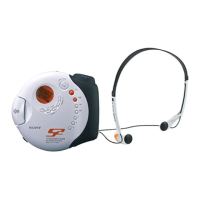
G-PROTECTION
function
The G-PROTECTION function has been
developed to provide excellent protection
against sound skipping during many active
uses.
When you set the G-PROTECTION switch
on your CD player to “2”, the G-
PROTECTION function will be enhanced
compared to “1.”
To walk with the CD player and enjoy high
quality CD sound using the G-
PROTECTION
function, set the G-PROTECTION switch to
“1.” While taking harder exercise, it is
recommended that you set it to “2.”
Set G-PROTECTION (under the lid) to
“1” or “2.”
During active uses, use the supplied hand
strap (see “Using the hand strap” in Locating
the controls).
Note
Sound may skip:
– if the CD player receives stronger continuous
shock than expected,
– if a dirty or scratched CD is played or
– when using poor-quality CD-Rs/CD-RWs or
if there is a problem with the original recording
device or application software.
No indication
(Normal play)
BASS
BASS
Available features


 To Next Page
 Loading...