Playing Discs
43
GB
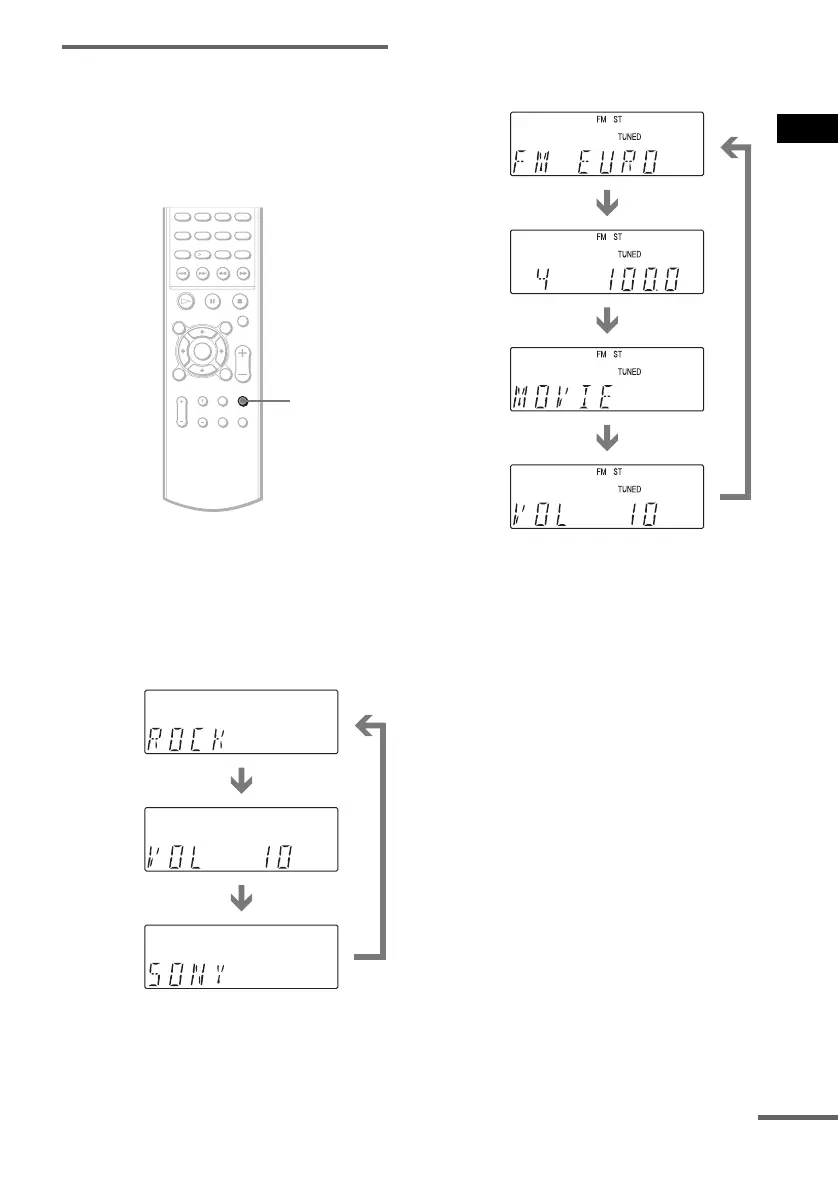
Viewing the Sound Field,
Volume Level, or Frequency in
the front panel display
You can check the current sound field, volume
level, frequency, or station name using the front
panel display.
Press DISPLAY.
Each time you press DISPLAY, the display
changes as shown in the charts.
When the system is set to “DVD”
or “VIDEO”
When the system is set to
“TUNER AM” or “TUNER FM”
*
1
Returns to the original display when indicated time
has elapsed.
*
2
When the disc name is displayed in “DVD” mode.
*
3
This is displayed if you have entered a name for a
preset station (page 60).
DISPLAY
Current sound field*
1
Volume*
1
Current function display,
before pressing DISPLAY
*
2
Station name*
3
Frequency*
1
Volume*
1
Current sound field*
1
continued



 To Next Page