23
GB
Getting Started
The options for [HDMI SETUP] appear.
6 Press X/x to select [HDMI
RESOLUTION], then press .
7 Press X/x to select the desired setting,
then press .
• [AUTO (1920
× 1080p)]: The system
outputs the optimal video signal for the
connected TV.
• [1920
× 1080i]: The system outputs 1920
× 1080i* video signals.
• [1280
× 720p]: The system outputs 1280 ×
720p* video signals.
•[720
× 480p]**: The system outputs 720 ×
480p* video signals.
* i: interlace, p: progressive
** Depending on the area, [720 × 480/576p] may
appear.
Step 4: Selecting the
Source
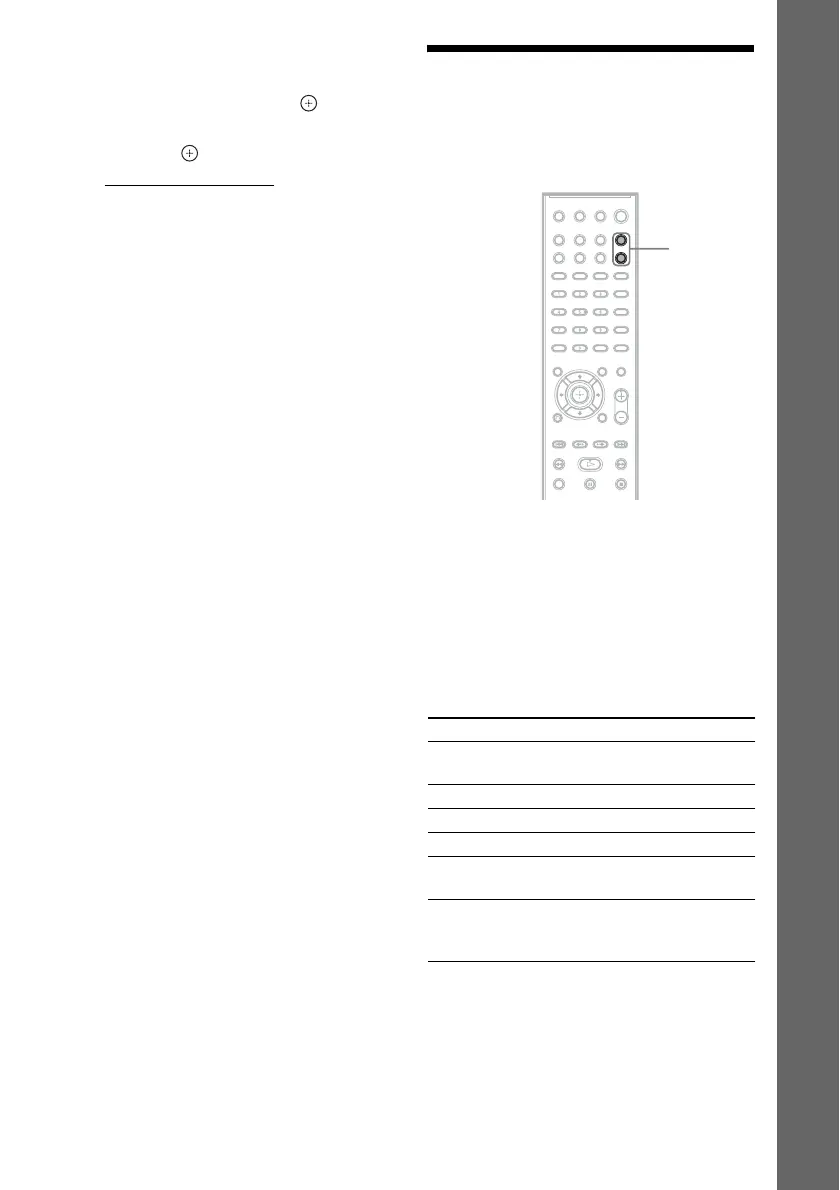
You can select the playback source.
Press FUNCTION +/– repeatedly until the
desired function appears in the front panel
display.
Each time you press FUNCTION +/–, the
function changes as follows.
“DVD” y “TUNER FM” y “USB” y
“TV” y “DMPORT” y “AUDIO” y …
Function Source
“DVD” Disc that is played by the
system
“TUNER FM” FM radio (page 52)
“USB” USB device (page 57)
“TV” TV
“DMPORT” DIGITAL MEDIA PORT
adapter (page 69)
“AUDIO” Portable audio source that
is connected to the AUDIO
IN jack on the front panel
FUNCTION
+/–



 To Next Page