Other Operations
71
GB
Getting Optimal
Surround Sound for a
Room
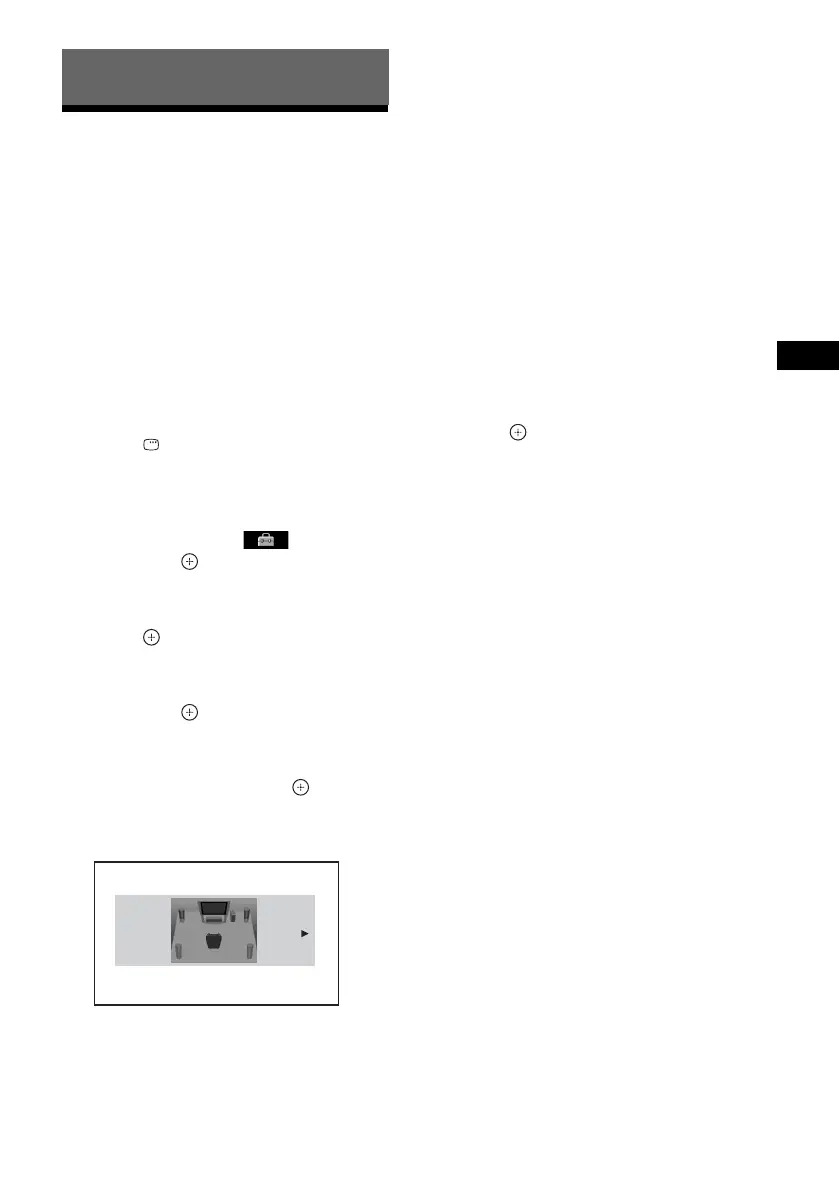
[SPEAKER FORMATION]
Depending on the shape of the room, you cannot
install some speakers. For better surround
sound, Sony recommends that first you decide
the position of the speakers.
1 Press FUNCTION +/– repeatedly until
“DVD” appears in the front panel
display.
2 Press DISPLAY while the system is
in stop mode.
The Control Menu display appears on the
TV screen.
3 Press X/x to select [SETUP],
then press .
The options for [SETUP] appear.
4 Press X/x to select [CUSTOM], then
press .
The Setup Display appears.
5 Press X/x to select [AUDIO SETUP],
then press .
The options for [AUDIO SETUP] appear.
6 Press X/x to select [SPEAKER
FORMATION], then press .
The options for [SPEAKER
FORMATION] appear.
7 Press C/c to select a setting.
• [STANDARD]: Select this when you
install all the speakers normally.
• [NO CENTER]: Select this when you
install the front and surround speakers
only.
• [NO SURROUND]: Select this when you
install the center and front speakers only.
• [FRONT ONLY]: Select this when you
install the front speakers only.
• [ALL FRONT]: Select this when you
install all the speakers in front of the
listening position.
• [ALL FRONT - NO CENTER]: Select
this when you install the front and
surround speakers in front of the listening
position.
8 Press .
Other Operations
SPEAKER FORMATION
STANDARD



 To Next Page