50
GB
x [DivX]
You can display the registration code for this
system.
For more information, go to
http://www.divx.com
on the Internet.
x [MULTI-DISC RESUME] (DVD VIDEO/
VIDEO CD only)
You can set the [MULTI-DISC RESUME]
function to on/off.
[ON]
: The system stores the resume points in
memory for up to 10 discs.
[OFF]: The system does not store the resume
points in memory. Playback restarts at the
resume point only for the current disc in the unit.
x [RESET]
You can return the [SET UP] settings other than
[PARENTAL CONTROL] to the default
settings. For details, see “Returning the
[SETUP] settings to the default” (page 78).
To obtain the best possible surround sound, set
connection of the speakers and their distance
from your listening position. Then use the test
tone to adjust the level and the balance of the
speakers to the same level.
x [CONNECTION]
If you do not connect center or surround
speakers, set the parameters for [CENTER] and
[SURROUND]. Since the front speaker and
subwoofer settings are fixed, you cannot change
them.
[FRONT]
[YES]
[CENTER]
[YES]: Normally select this.
[NONE]: Select this if no center speaker is used.
[SURROUND]
[YES]: Normally select this.
[NONE]: Select this if no surround speakers are
used.
[SUBWOOFER]
[YES]
Note
• When you change the [CONNECTION] setting, the
[STANDARD] of [SPEAKER FORMATION]
setting remains the same, but the other settings of
[SPEAKER FORMATION] return to
[STANDARD].
x [DISTANCE]
When you move the front speakers, center
speaker, and surround speakers, be sure to set
the parameters of the distance (A) from the
listening position to the speakers.
You can set the parameters from 1.0 to 7.0
meters
1)
(3 to 23 ft) for the front speakers, from
0.0 to 7.0 meters
2)
(0 to 23 ft) for the center
speaker and surround speakers.
[FRONT] 3.0 m/10 ft
3)
: Set the front speaker
distance.
[CENTER] 3.0 m/10 ft
3)4)
: Set the center speaker
distance (up to 1.6 meters (5 ft) closer to the
front speakers).
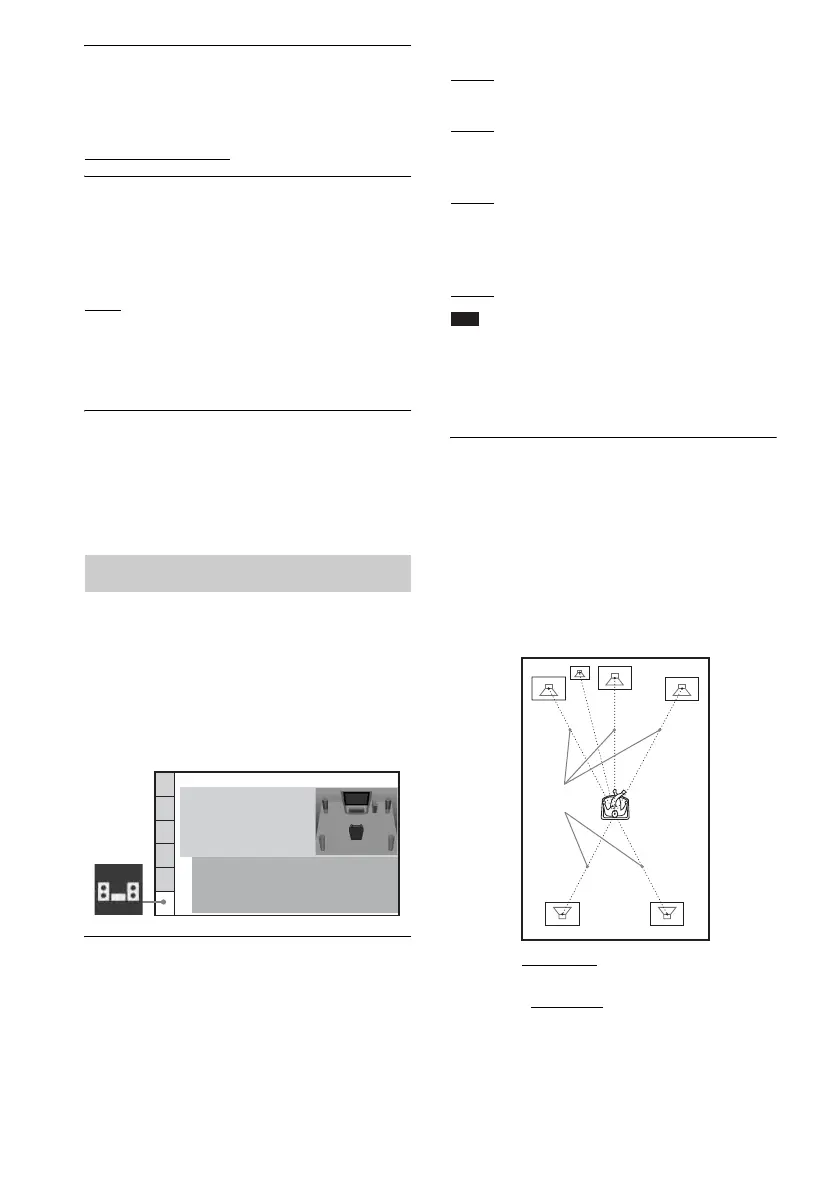
Settings for the speakers
[SPEAKER SETUP]
SPEAKER SETUP
DISTANCE:
CONNECTION:
LEVEL(FRONT):
LEVEL(SURROUND):
TEST TONE
FRONT:
CENTER:
SURROUND:
SUBWOOFER:
YES
YES
YES
YES
A



 To Next Page