44
GB
Enter a 4-digit password using the number
buttons, then press .
The display for confirming the password
appears.
x When you have already registered a
password
The display for entering the password
appears.
7 Enter or re-enter your 4-digit password
using the number buttons, then press
.
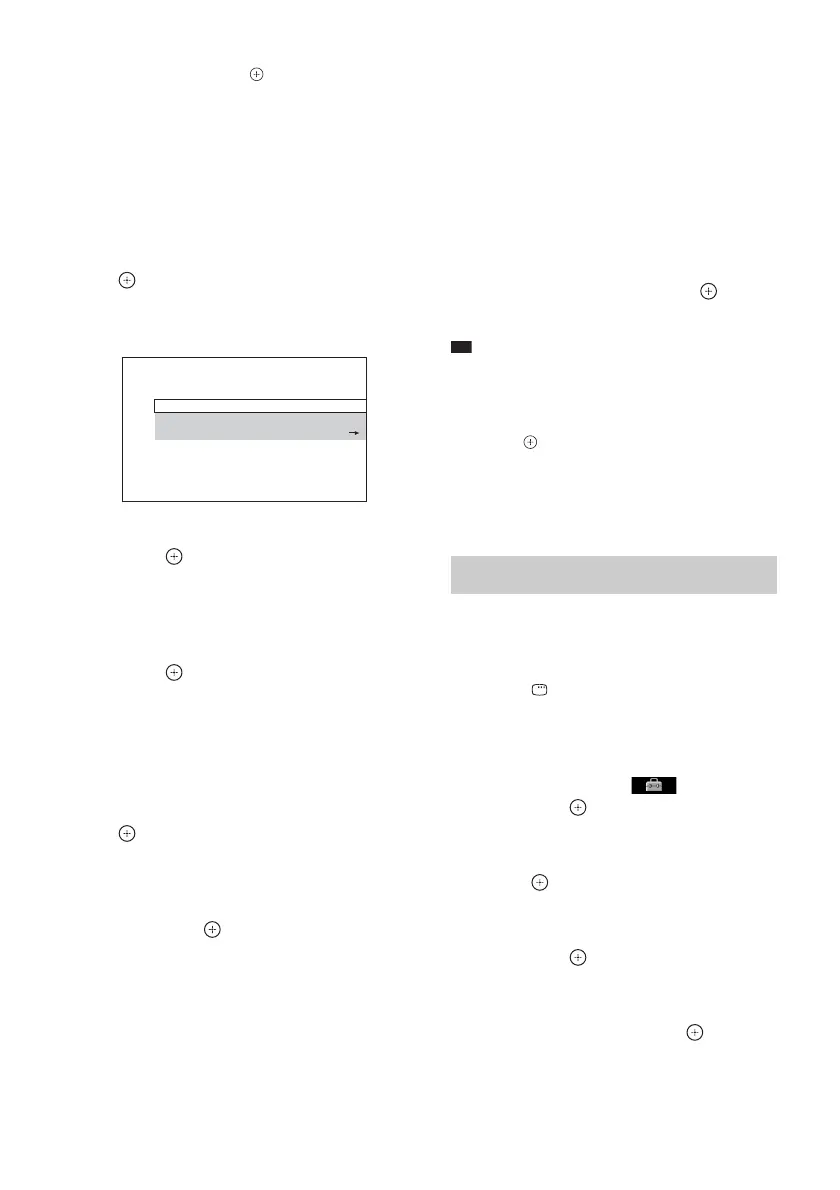
The display for setting the playback
limitation level appears.
8 Press X/x to select [STANDARD], then
press .
The selection items for [STANDARD] are
displayed.
9 Press X/x to select a geographic area
as the playback limitation level, then
press .
The area is selected.
When you select [OTHERS t], select and
enter a standard code from “Parental
Control Area Code List” (page 94) using
the number buttons.
10 Press X/x to select [LEVEL], then press
.
The selection items for [LEVEL] are
displayed.
11 Press X/x to select the desired level,
then press .
[PARENTAL CONTROL] setting is
complete.
The lower the value, the stricter the
limitation.
To turn off the [PARENTAL
CONTROL] function
Set [LEVEL] to [OFF] in Step 11.
To play a disc for which
[PARENTAL CONTROL] is set
1 Load the disc and press H.
The display for entering your password
appears.
2 Enter your 4-digit password using the
number buttons, then press .
The system starts playback.
Ti
• If you forget your password, remove the disc and
repeat Steps 1 to 6 of “Restricting Playback of the
Disc” (page 43). When you are asked to enter your
password, enter “199703” using the number buttons,
then press . The display will ask you to enter a new
4-digit password. After you enter a new 4-digit
password, replace the disc in the unit and press H.
When the display for entering your password appears,
enter your new password.
1 Press FUNCTION +/– repeatedly until
“DVD” appears in the front panel
display.
2 Press DISPLAY while the system is
in stop mode.
The Control Menu display appears on the
TV screen.
3 Press X/x to select [SETUP],
then press .
The options for [SETUP] appear.
4 Press X/x to select [CUSTOM], then
press .
The Setup Display appears.
5 Press X/x to select [SYSTEM SETUP],
then press .
The options for [SYSTEM SETUP] appear.
6 Press X/x to select [PARENTAL
CONTROL t], then press .
The display for entering the password
appears.
LEVEL:
STANDARD:
CHANGE PASSWORD:
OFF
USA
PARENTAL CONTROL
Changing the password



 To Next Page