127
Customizing Your Camcorder Personnalisation de votre caméscope
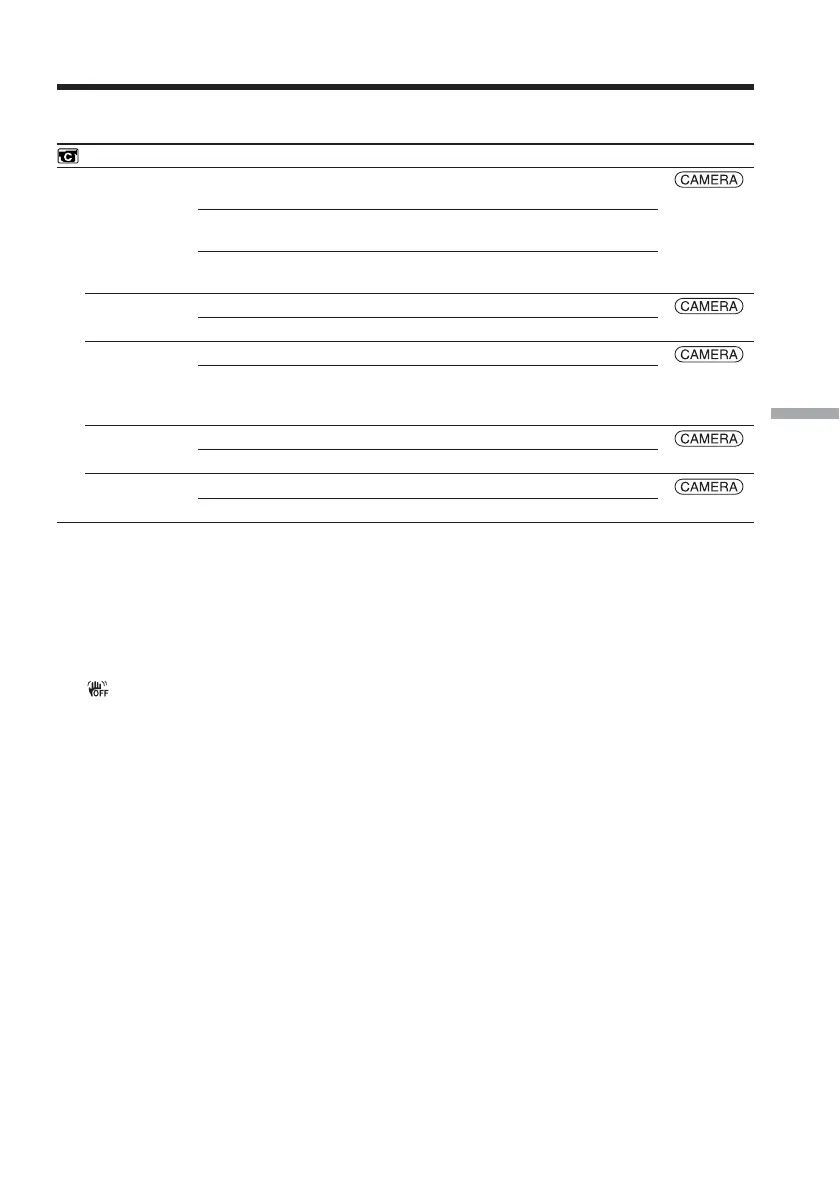
Icon/item
CAMERA SET
D ZOOM
16:9WIDE
STEADYSHOT
EDITSEARCH
N.S. LIGHT
Mode
z OFF
20×
640×
z OFF
ON
z ON
OFF
z OFF
ON
z ON
OFF
Meaning
To deactivate the digital zoom. Up to 10× zoom is
carried out.
To activate the digital zoom. More than 10× to 20×
zoom is performed digitally (p. 39).
To activate the digital zoom. More than 10× to
640× zoom is performed digitally (p. 39).
Not to record a 16:9 wide picture
To record a 16:9 wide picture (p. 62)
To compensate for camera-shake
To cancel SteadyShot. Natural pictures are
produced when shooting a stationary subject with
a tripod.
Not to display 7/– · + on the LCD screen
To display 7/– · + on the LCD screen (p. 45)
To use the NightShot Light (p. 42)
To cancel the NightShot Light
POWER
switch
Changing the menu settings
Notes on SteadyShot
•SteadyShot will not correct excessive camera-
shake.
•Attachment of a conversion lens (optional)
may influence SteadyShot.
If you cancel SteadyShot
The (SteadyShot off) indicator appears.
Your camcorder prevents excessive
compensation for camera-shake.
(continued on the following page)



 To Next Page