Main Features
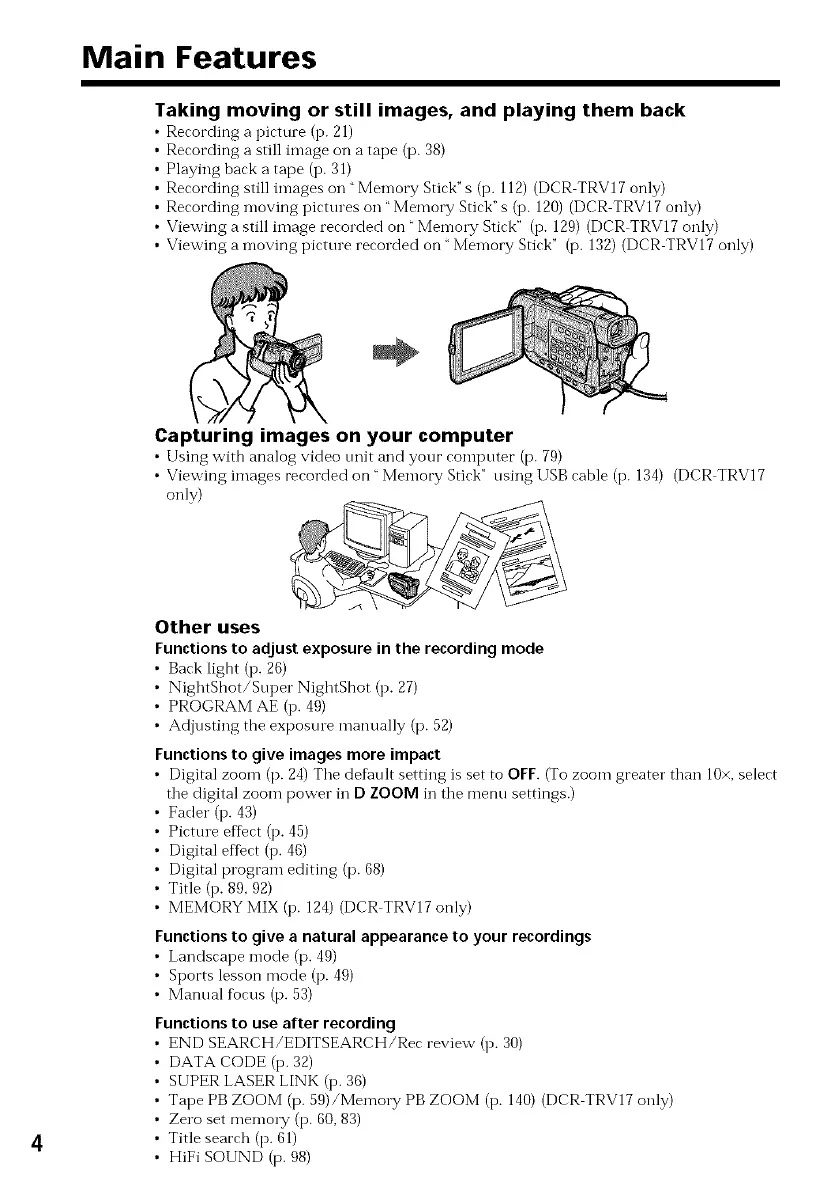
Taking moving or still images, and playing them back
Recording a pirture (I3.21)
Recording a still image on a tape (p. 38)
Playing back a tape (i3.31)
Recording still images on "Memory Stick"s (i3. 112)(DCR TRV17 only)
Recording moving pictures on "Memory Stick" s (i3. 120)(DCR TRV17 only)
Viewing a still image recorded on _Me*noW Stick" (i3. 129) (DCR TRV17 only)
Viewing a moving picture recorded on "Memory Stick" (p. 132) (DCR TRV17 only)
4
Capturing images on your computer
• Using with analog video unit and your romputer (p. 79)
• Viewing images recorded on " Memory Stick" using USB cable (i3.134) (DCR TRV17
only)
Other uses
Functionsto adjust exposure in the recordingmode
• Bark ligbt (13.26)
• NightSllot/Super NightShot (I3. 27)
• PROGRAM AE (I3.49)
• Adjusting the expostue manually (p. 52)
Functions to give images more impact
• Digital zoom (p. 24)The def_ult setting is set to OFF. (To zoom greater than 10×,select
the digital zoom power in D ZOOM in the menu settings.)
• Fader (i3.4,3)
• Picture effect (I3.45)
• Digital effbct (I3.46)
• Digital program editing (p. 68)
• Title (i3. 89, 92)
• MEMORY MIX (i3. 124)(DCR TRV17 only)
Functions to give a natural appearanceto your recordings
• Landscape mode (p. 49)
• Sports lesson mode (I3.49)
• Manual fbcus (p. 53)
Functions to use after recording
END SEARCH/EDITSEARCH/Rec review (i3. 30)
DATA CODE (13.32)
SUPER LASER LINK (i3.36)
Tape PB ZOOM (p. 59)/Memo1T PB ZOOM (i3. 140) (DCR TRV17 only)
Zero set me*noW (p. 60, 83)
Title search (p. 61)
HiFi SOUND (p. 98)



 To Next Page