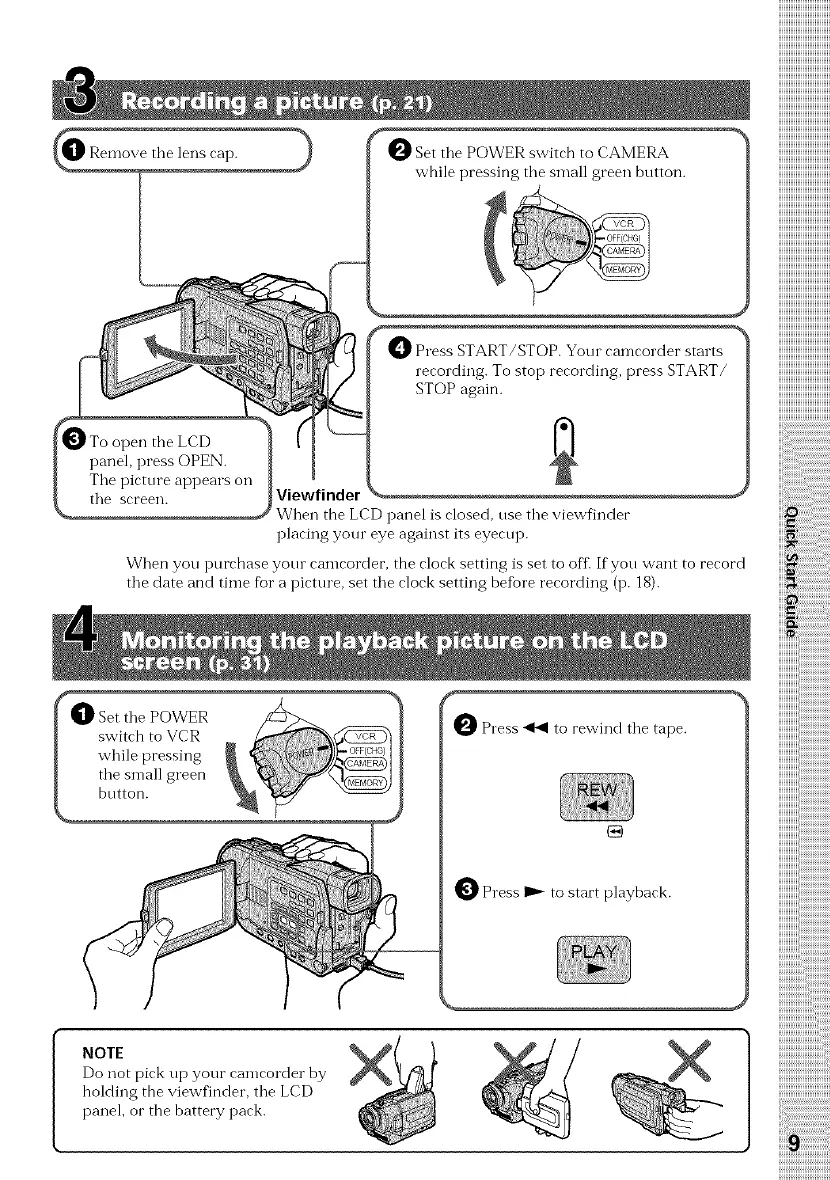
O Set the POWER switch to CAMERA
while pressing the small green bntton.
O Press START/STOP. Yore camcorder starts
recording. To stop recording, press START/
STOP again.
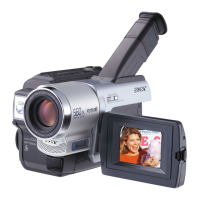
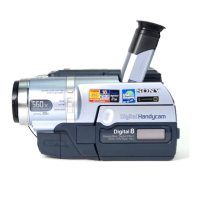
Viewfinder
When the LCD panel is closed, nse the viewfinder
placing your eye against its eyecnp.
When you purchase yore camcorder, the clock setting is set to offi If yon want to record
tile date and time for a picture, set tile clock setting befiare recording (p. 18).
r
_ Press _ to rewind the tape.
_ Press I_ to start playback.
NOTE
Do not pick up your camcorder by
holding the viewfinder, tile LCD
panel, or the battery pack.
iiii i!ii!ii!ii!ii!ii!ii!ii!
iiii! iiiiiiiiiiiiiiiiiiiiii
iiiii_;i;i;i;i;i;i;i;
iiiiiN!ii!i_!i_!
iiiiiiiiiiiiiiiiiii_



 To Next Page