10
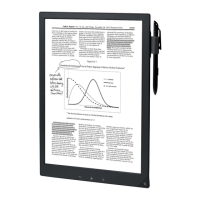
Sleep mode
To extend battery life and prevent unintentional
operation of the touchscreen, set the Digital Paper
device to sleep mode by pressing the (Power)
button. The standby screen appears.
To wake the device, press the (Power) button again.
Automatic power-saving
The Digital Paper device will enter sleep mode after 1
hour of inactivity. After 3 days in sleep mode, it will
turn off (shut down) automatically. The automatic
power-saving cannot be turned off.



 To Next Page