56
To return to the Web page you were browsing, press
the (Back) button.
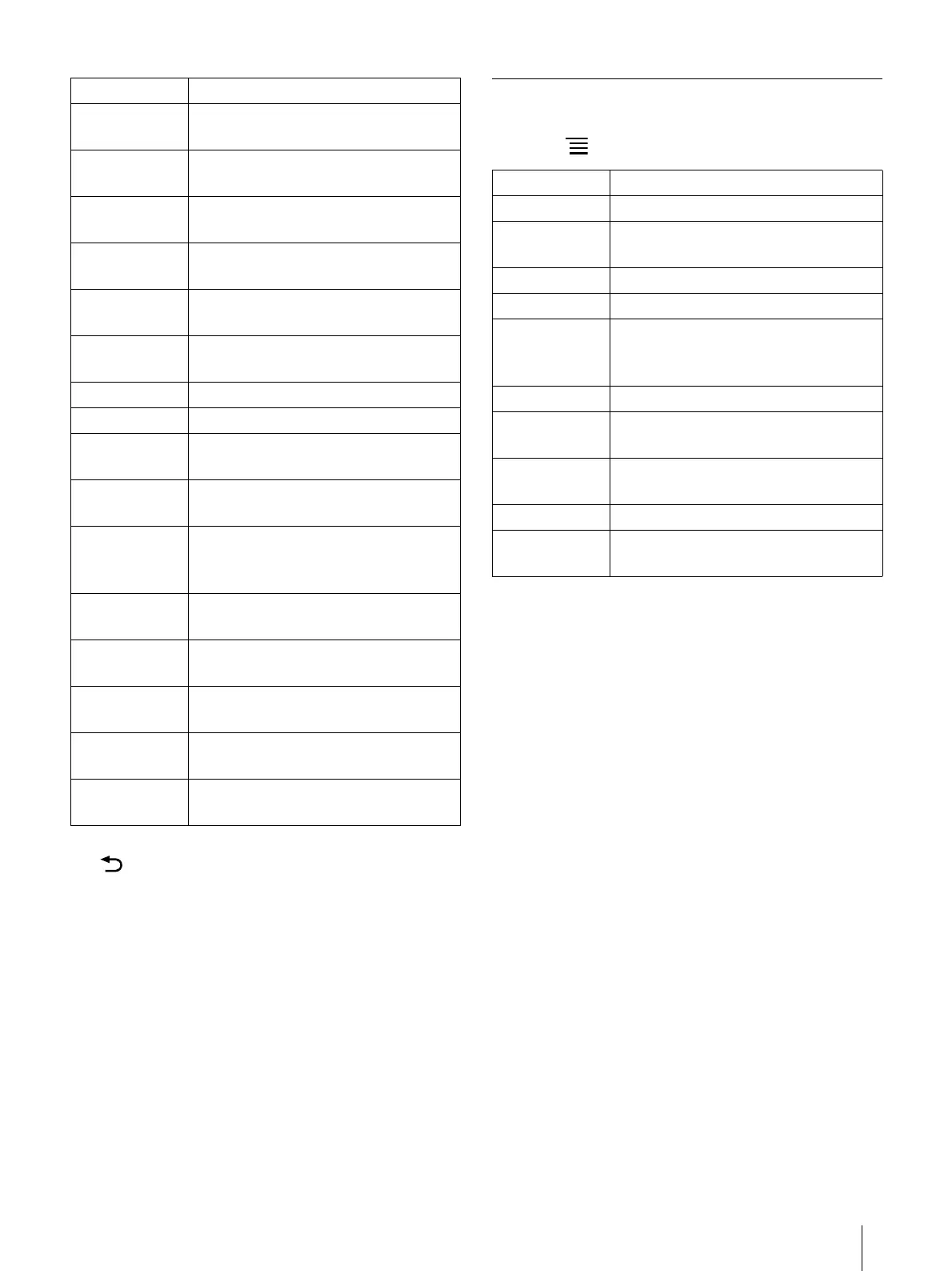
Using Menu Items
Below is a list of option items available when you
press the (Menu) button from a browser window.
[Block Pop-up
Windows]
Blocks pop-up windows. Enabled by
default.
[Load Images] Loads images on a Web page. Enabled
by default.
[Auto-fit Pages] Formats Web pages to the window size.
Enabled by default.
[Enable
JavaScript]
Enables JavaScript. Enabled by default.
[Set Home
Page]
Sets the default Web page to display as
the home page.
[Page
Information]
Displays the details of a Web page.
[Clear Cache] Empties the cache.
[Clear History] Deletes the browsing history.
[Accept
cookies]
Accepts cookies from Web pages.
Enabled by default.
[Clear All
Cookie Data]
Removes all cookies.
[Remember
Form Data]
Allows the browser to remember the
search and form history. Enabled by
default.
[Clear Form
Data]
Empties the search and form history.
[Remember
Passwords]
Allows the browser to remember
entered passwords. Enabled by default.
[Clear
Passwords]
Deletes passwords saved by the
browser.
[Reset to
Default]
Restores the default settings, and
deletes all browser data.
[Legal
Information]
Displays the terms and conditions of
use of the browser.
Setting Description
Option Description
[Browse Home] Displays the home page (page 55).
[Refresh] Updates the content displayed on a
Web page.
[Stop] Stops loading a Web page.
[Forward] Advances to a previously viewed page.
[Return to
Viewer]
Closes the [Browser] application and
returns to the last read page of your last
read document.
[Windows] Opens the window list (page 54).
[Add
Bookmark]
Bookmarks a Web page (page 54).
[Page
Information]
Opens the page information.
[Downloads] Opens the download history (page 53).
[Settings] Changes the browser settings
(page 55).













 To Next Page