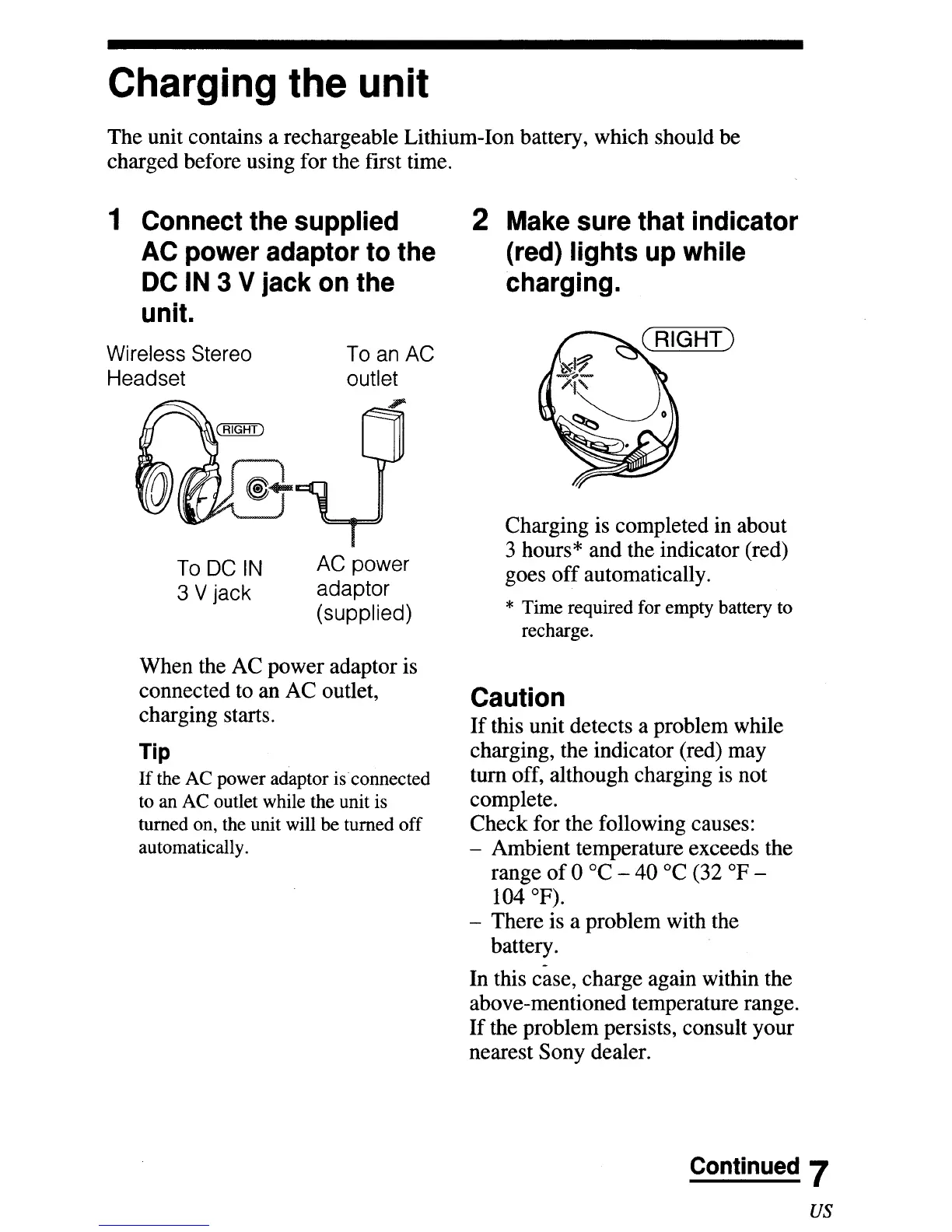
Charging the unit
The unit contains a rechargeable Lithium-Ion battery, which should be
charged before using for the
fITst
time.
1 Connect the supplied
AC power adaptor to the
DC
IN
3 V jack on the
unit.
2 Make sure that indicator
(red) lights up while
charging.
Wireless Stereo
Headset
To DC
IN
3 V jack
To an AC
outlet
AC power
adaptor
(supplied)
Charging is completed in about
3 hours* and the indicator (red)
goes
off
automatically.
* Time required for empty battery to
recharge.
When the AC power adaptor is
connected to an AC outlet,
charging starts.
Tip
If
the AC power adaptor
is
connected
to an AC outlet while the unit is
turned on, the unit will be turned off
automatically.
Caution
If
this unit detects a problem while
charging, the indicator (red) may
tum
off, although charging is not
complete.
Check for the following causes:
- Ambient temperature exceeds the
range
of
0 °C -
40°C
(32
OF
-
104
OF).
- There is a problem with the
battery.
In
this case, charge again within the
above-mentioned temperature range.
If
the problem persists, consult your
nearest Sony dealer.
Continued 7
us


 To Next Page