25
Shooting still images
3
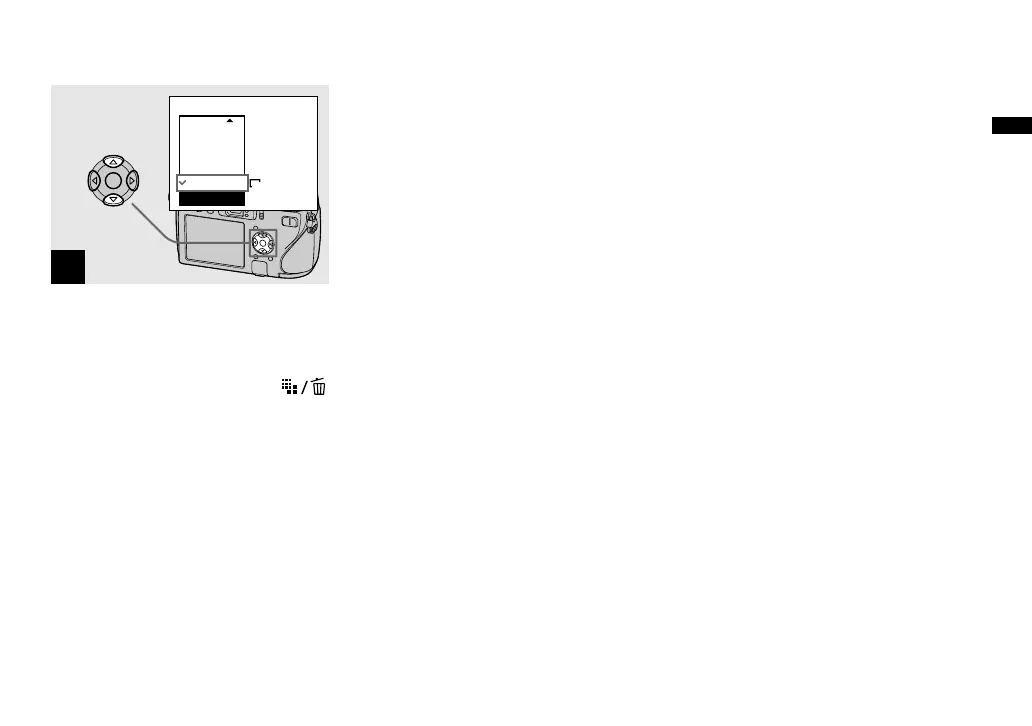
VGA(E-Mail)
1M
3M
5M
3:2
VGA
Image Size
Select the desired image size
with / on the control button.
The image size is set.
When the setting is complete, press
(Image Size) so that the Image Size setup
disappears from the LCD screen.
• The image size selected here is maintained
even when the power is turned off.












 To Next Page