96
Marking print marks in
index mode
Set the mode dial to , then
press
(index) to display the
index (nine-image) screen.
Press (index) twice to display a
sixteen-image index screen.
Press MENU.
The menu appears.
Select (DPOF) with /,
then press .
Select [Select] with /, then
press .
• You cannot mark the mark in [All In
This Folder].
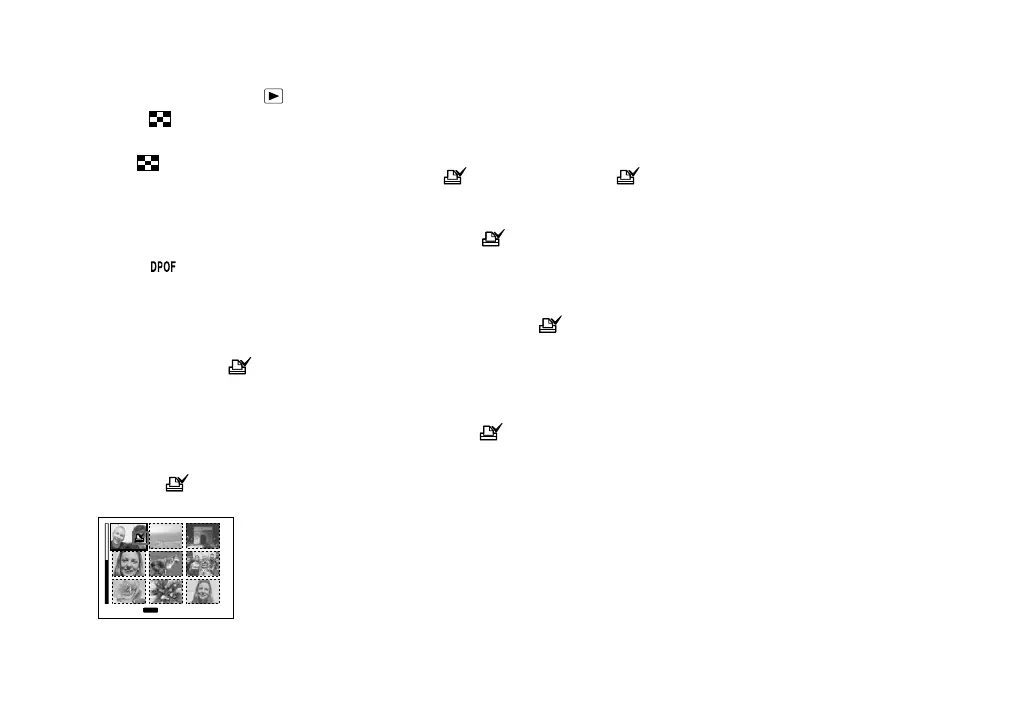
Select the image you want to
mark with ///, then press
.
The green mark appears on the
selected image.
TO NEXT
MENU
•
SELECT
Repeat step to mark other
images.
Press MENU.
Select [OK] with , then press
.
The mark turns white. The
mark setting is completed.
To unmark marks
Select the images to be unmarked with
/// in step , then press .
To unmark all the marks in
the folder
Select [All In This Folder] in step , then
press . Select [Off], then press .
To exit the mark function
Select [Cancel] in step or select [Exit]
in step .












 To Next Page