48
4
Delete Exit OK
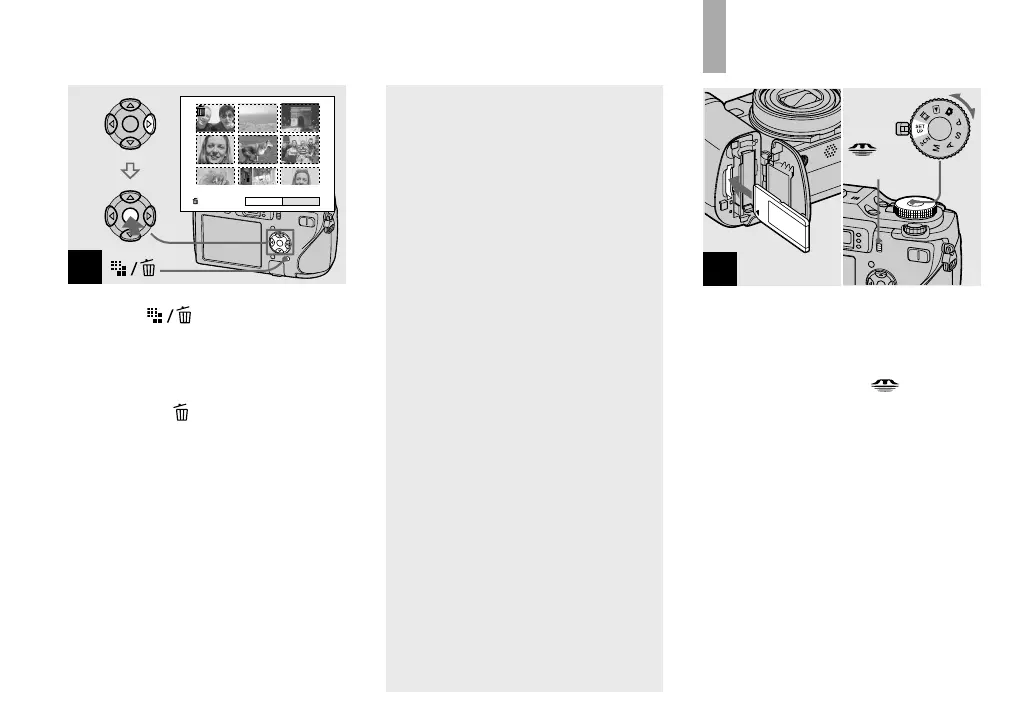
Press (Delete) and select
[OK] with on the control
button, then press .
The message “Access” appears, and the
images with the indicator have been
deleted.
To cancel deleting
Select [Exit] with on the control button,
then press .
To delete all the images in
the folder
Select [All In This Folder] with on
the control button in step , then press
. Select [OK], then press . All of
the unprotected images in the folder
are deleted. To cancel deleting, select
[Cancel], then press .
• You can also delete movies (page 99).
Formatting a
recording medium
1
/CF
switch
Insert the recording medium
you want to format into the
camera. Select the recording
medium with the
/CF
switch. Set the mode dial
to SET UP, and turn on the
camera.
• The term “formatting” means preparing a
recording medium to record images; this
process is also called “initialization”.
• When you format a recording medium,
be aware that all of the data in the
recording medium will be permanently
erased. Protected images are also
erased.












 To Next Page