74
(Fluorescent)
Used when shooting under fl uorescent
lights.
(Color temperature: about 4000 K)
(Incandescent)
• Used when shooting, for example, at
a party, where the lighting conditions
change often.
• Used in a studio, or under video lights.
(Color temperature: about 3200 K)
WB
(Flash)
Adjusts the white balance only to the fl ash
conditions.
This mode cannot be used with movies.
(Color temperature: about 6000 K)
(One push)
For adjusting the white balance depending
on the light source.
(Color temperature: about 2000-10000 K)
(One push SET)
Memorizes the basic white color which
will be used in (One push) mode.
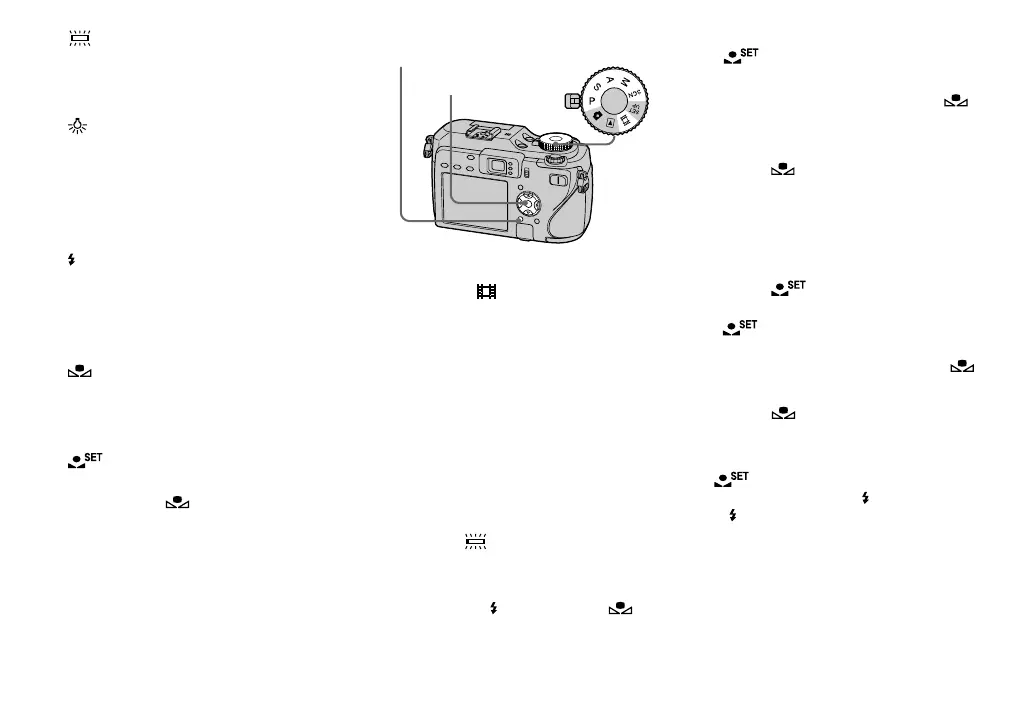
MENU Mode dial
Control button
Set the mode dial to P, S, A, M,
SCN or
.
Press MENU.
The menu appears.
Select [WB] (White Bal) with
/, then select the desired
setting with /.
To return to automatic settings
Select [Auto] in step .
• Under fl uorescent lights that fl icker, even if
you choose
, the white balance may not be
properly adjusted.
• When the fl ash strobes, the manual setting is
canceled, and the image is recorded in [Auto]
mode (except in
WB
(Flash) mode or (One
push) mode).
To capture the basic white color
in
(One push SET) mode
This mode memorizes the basic white
color in the shooting situation for the
(One push) mode. Use this mode when the
other modes cannot set the color properly.
1 Select [ ] (One push).
2 Frame a white object such as a piece of
paper fi lling the screen under the same
lighting conditions as you will shoot the
subject.
3 Select [
] (One push SET) with .
The screen momentarily turns black and
indicator fl ashes quickly.
When the white balance has been
adjusted and stored in the memory,
(One push) is selected again.
• When the indicator fl ashes slowly, the
white balance is not set or was not able to be
set. Record in automatic white balance mode.
• Do not shake or strike the camera while the
indicator fl ashes quickly.
• When fl ash mode is set to
(Forced fl ash)
or
SL
(Slow synchro), the white balance
is adjusted to the condition with the fl ash
emitting.












 To Next Page