53
Before advanced operations
Creating a new folder
Set the mode dial to SET
UP, and select the recording
medium with the
/CF
switch.
Select
(Memory Stick Tool)
or
(CF Card Tool) with /,
[Create REC. Folder] with
//, and [OK] with /, then
press .
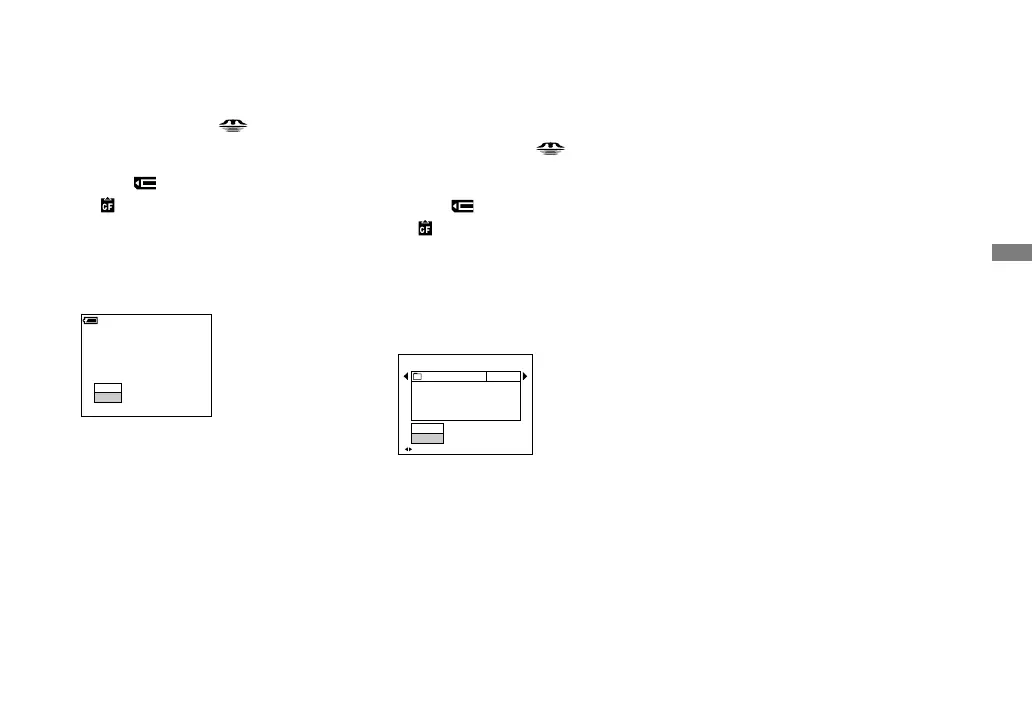
The creating folder screen appears.
Create REC. Folder
Creating REC. folder 102MSDCF
Ready?
OK
Cancel
60
min
Select [OK] with , then press
.
A new folder is created with a number
one higher than the largest number in
the recording medium, and the folder
becomes the recording folder.
To cancel folder creation
Select [Cancel] in step or .
• Once you create a new folder, you cannot
delete the new folder with the camera.
• Images are recorded in the newly created folder
until a different folder is created or selected.
Changing the recording
folder
Set the mode dial to SET
UP, and select the recording
medium with the
/CF
switch.
Select
(Memory Stick Tool)
or
(CF Card Tool) with /,
[Change REC. Folder] with
/, and [OK] with /, then
press .
The recording folder selection screen
appears.
BACK/NEXT
Select REC. Folder
Cancel
OK
Folder Name:
102 2/2
Created:
No. Of Files:
2005
102MSDCF
0
111::05:34
AM
Select the desired folder with
/, and [OK] with , then
press .
To cancel changing the
recording folder
Select [Cancel] in step or .
• You cannot select the “100MSDCF” folder as a
recording folder (page 107).
• The image is stored in the newly selected
folder. You cannot move recorded images to a
different folder with this camera.












 To Next Page