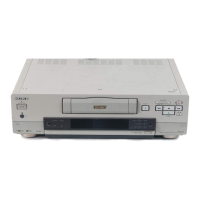
Chapter 8 Maintenance and Troubleshooting
Chapter 8 Maintenance and Troubleshooting 141
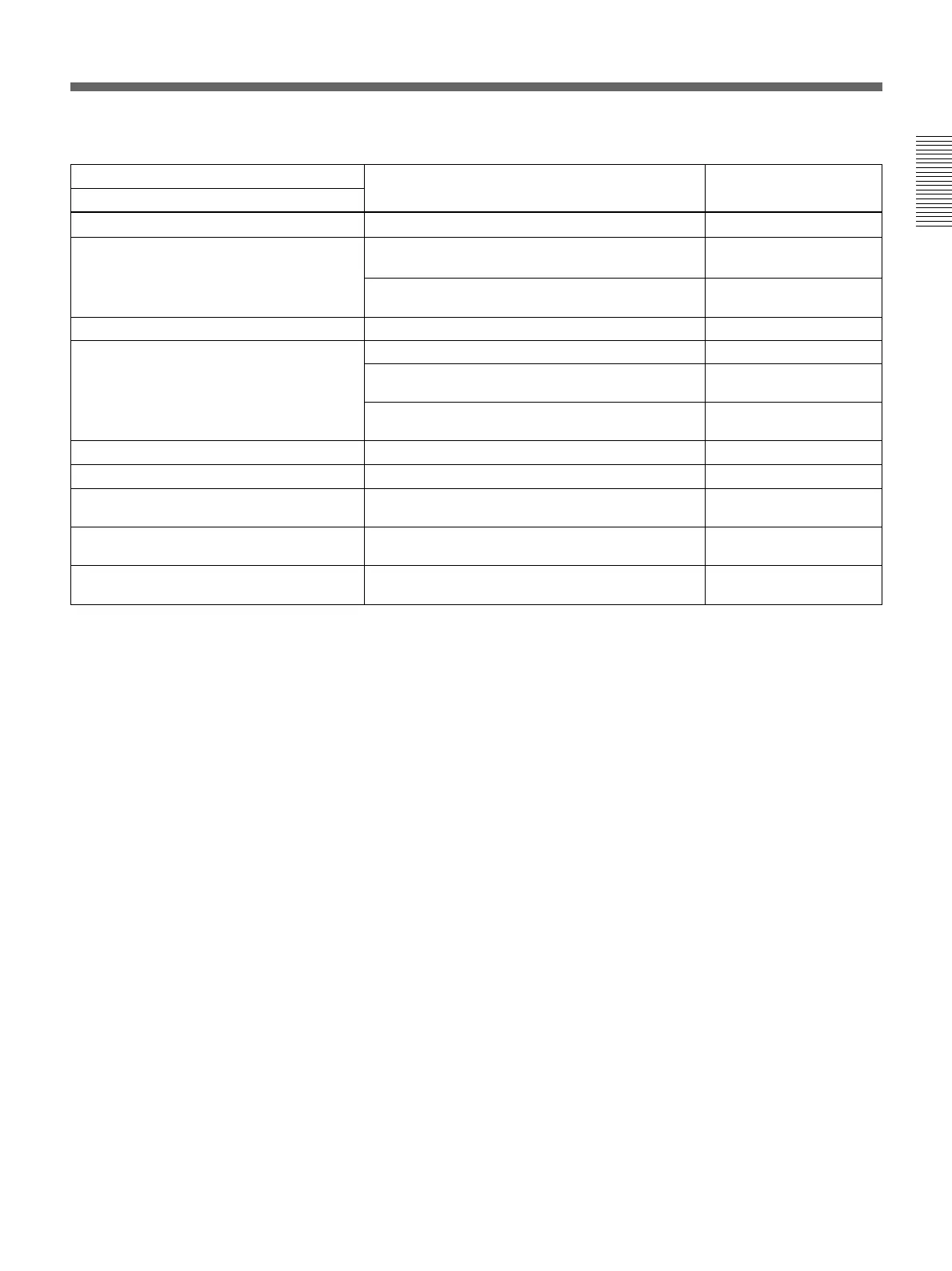
Alarm messages and associated directions (Continued)
Alarm message on monitor screen
Direction Alarm message on sub
LCD
Cause
Tape cannot be replayed. Use a tape recorded in 525/60 format. (For DSR-
2000)
625/50 Tape (For DSR-
2000)
Use a tape recorded in 625/50 format. (For DSR-
2000P)
525/60 Tape (For DSR-
2000P)
Use a new cleaning tape. Tape end!Tape end has been detected.
Tape not editable. Use a tape recorded in DVCAM format. Not DVCAM!
Use a tape recorded in 525/60 format. (For DSR-
2000)
625/50 Tape (For DSR-
2000)
Use a tape recorded in 625/50 format. (For DSR-
2000P)
525/60 Tape (For DSR-
2000P)
Tape not usable. Use DVCAM/DV/DVCPRO (25) tape.
TC EXTERNAL is selected.
ILL. Tape!
Set the INT/EXT switch on the subsidiary contol
panel to INT.
TC EXT!
TCG REGEN mode is selected. Set the PRESET/REGEN switch on the subsidiary
control panel to PRESET.
REGEN mode!
TCG RUN mode is set to REC RUN. Set the FREE RUN/REC RUN switch on the
subsidiary control panel to FREE RUN.
REC RUN!
Remote mode is selected. Turn off the REMOTE button. REMOTE!
Tape not recordable. Use a DVCAM/DV ME tape. REC INHI.!



 To Next Page