Chapter 4 Editing
Chapter 4 Editing 95
Adding a Narration (Sound-on-Sound)
By means of preread editing with an audio mixer connected (see page 87),
you can mix in an audio signal with the existing recorded soundtrack, but
extension menu item 819 provides a simple sound-on-sound editing
function for adding a narration, using this unit alone.
To add a narration from microphone input
As an example, the following procedure describes how to record a
narration mixed with audio channels 1 and 2 already recorded on the tape,
when the microphone is connected to input audio channel 1.
In this case, first connect the microphone to the AUDIO IN CH-1
connector, and set the audio input and editing mode as follows.
• In the input selection section (see page 14), with the CH1, 1/2 button,
select an analog audio signal.
• In the edit mode setting section (see page 20), press the INSERT CH-1
and CH-2 buttons, turning them on.
After checking the above settings, use the following procedure.
1 Set extension menu item 819 as follows.
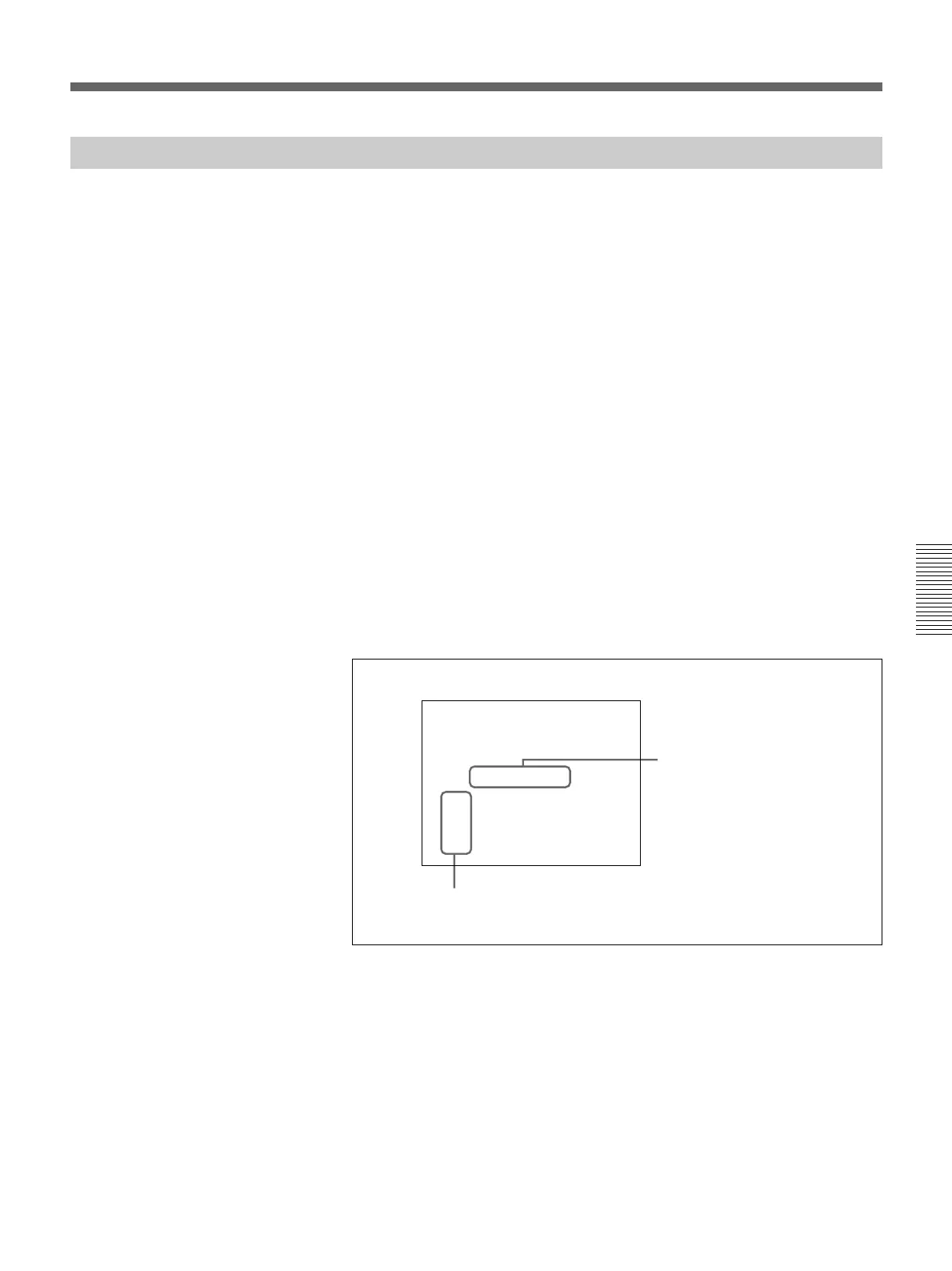
Extension menu item 819 settings (on monitor screen)
For details of extension menu item 819 settings, see page 123.
2 Press the MIXING button in the upper control panel, turning it on.
3 Carry out insert editing on audio channels 1 and 2 (CH-1 and CH-2)
while reciting the narration into the microphone.
Recording channel numbers
ITEM-819
AUDIO INPUT SOURCE
ARRANGE
ch1:
ch2:
ch3:
ch4:
in1 in2 in3 in4 tape
--------------------
on
on
on
on
Input channel numbers



 To Next Page