90 Chapter 4 Editing
Chapter 4 Editing
Quick Editing
After selecting an edit mode, you can save on editing time by setting the
edit points and executing the edit at the same time.
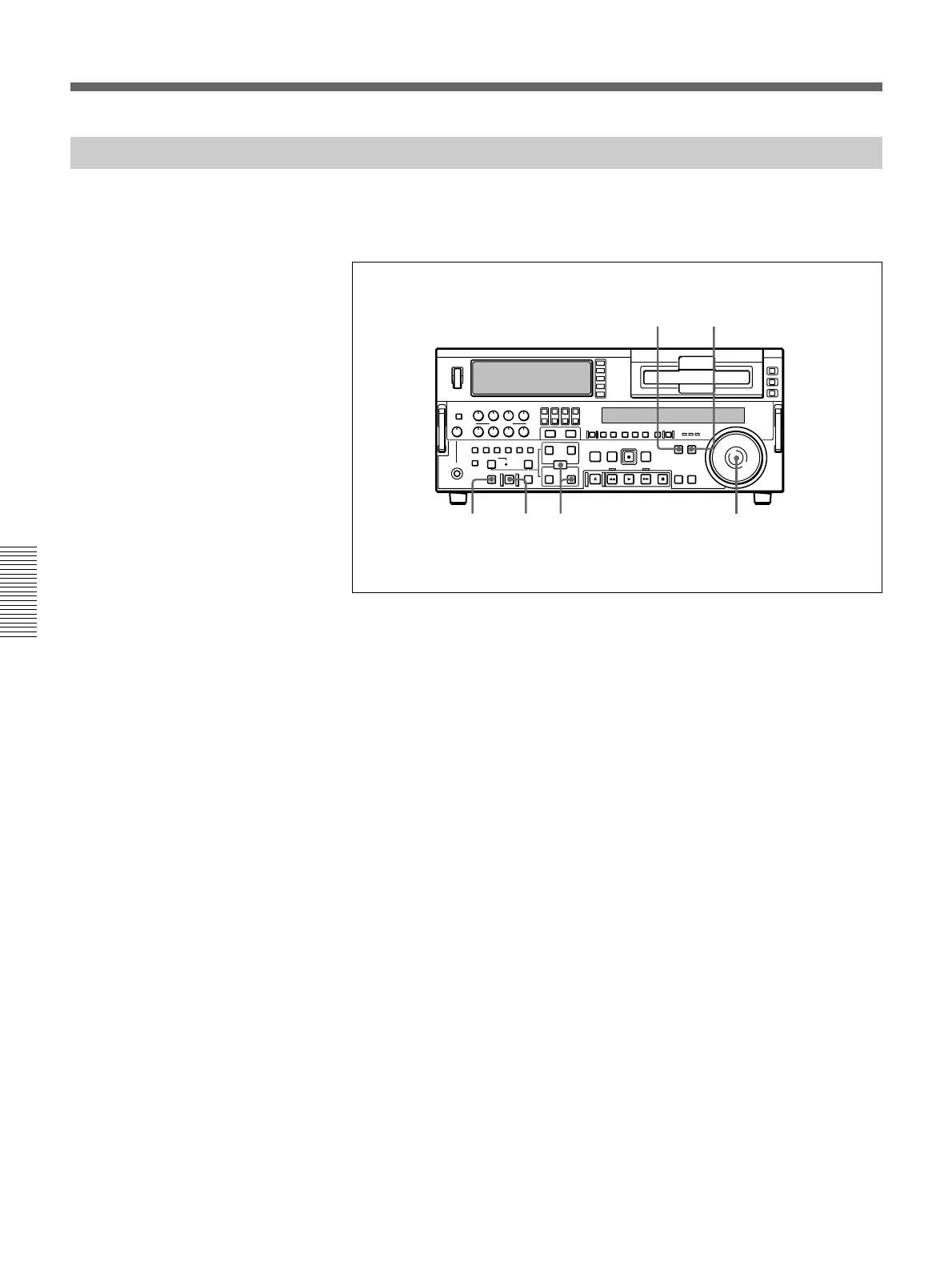
1 Press the PLAYER button, turning it on.
2 Stop the tape on the player at the position you wish to make the IN
point.
3 Press the RECORDER button, turning it on.
4 Stop the tape on the recorder at the position you wish to make the IN
point.
5 Press the PREVIEW button.
A preview starts.
The tape positions determined in steps 2 and 4 are set as the player IN
point and recorder IN point, respectively.
6 Watching the editing on the monitor, at the position you wish to make
the OUT point, hold down the ENTRY/SHIFT button and press the
OUT button.
Both the player OUT point and recorder OUT point are set.
7 Carry out another preview and modify the edit points as required.
For details of how to modify edit points, see the section “Modifying Edit
Points” (page 76).
13
5,7 2,486
Special Editing Methods



 To Next Page