Chapter 3 Recording and Playback
48 Chapter 3 Recording and Playback
Recording Operation
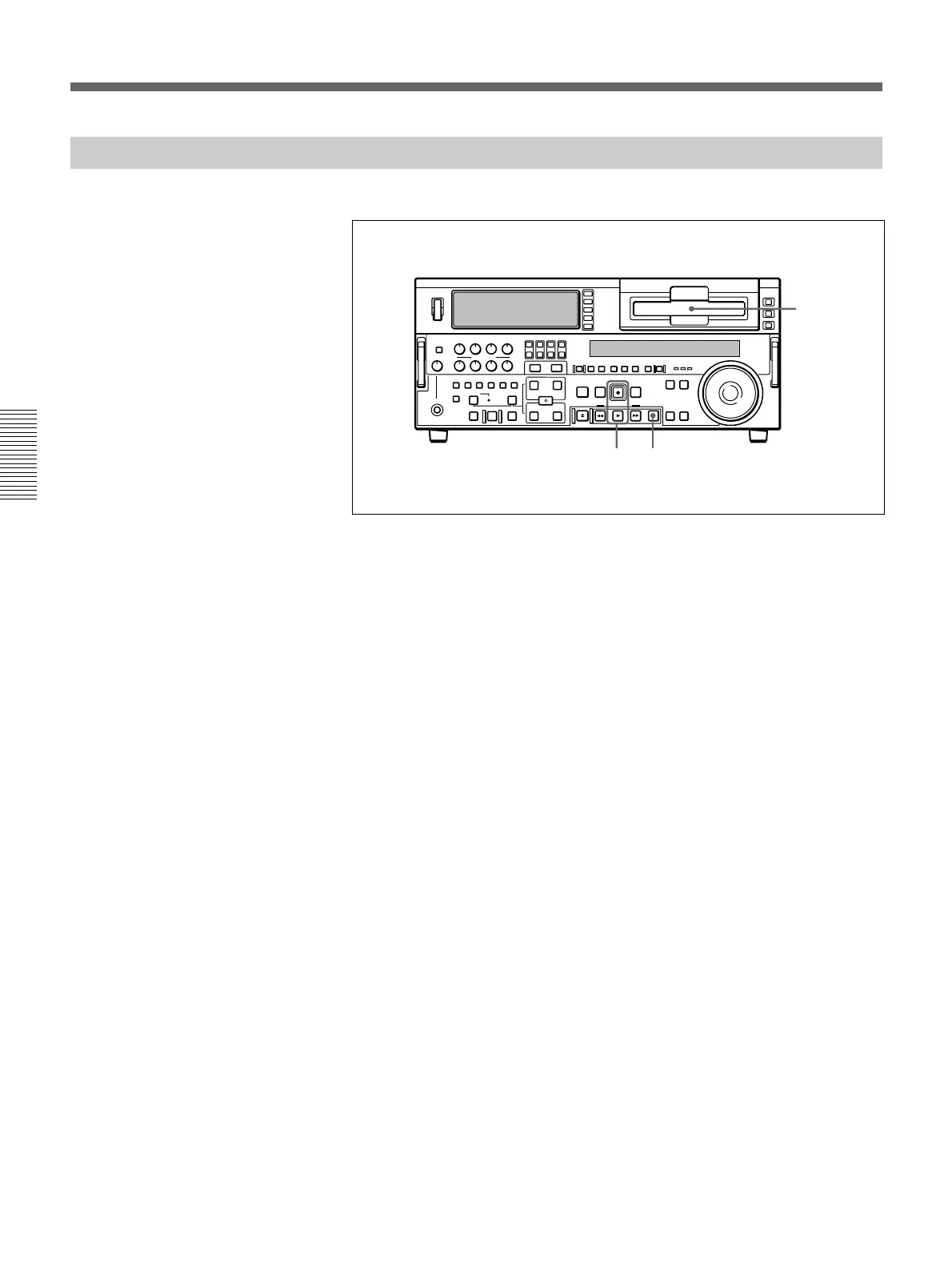
To record, use the following procedure.
1 Insert a cassette.
For details, see the section “Inserting a cassette” (page 34).
2 Hold down the REC button, and press the PLAY button.
Recording starts, the servo locks, and the SERVO indicator in the
display section lights.
3 To stop recording, press the STOP button.
If you record to the end of the tape
The tape is automatically rewound, and stops.
You can change the setting of extended menu item 125 so that the tape just
stops without being automatically rewound when it is recorded to the end.
1
23
Recording



 To Next Page