Chapter 2 Setting/Displaying Time Data and Text Information
Chapter 2 Setting/Displaying Time Data and Text Information 37
2 Time code reader drop-frame mark (for DSR-2000 only)
3 Time code generator drop-frame mark
(for DSR-2000 only)
4 VITC field
“ ” (blank): Fields 1 and 3
“*”: Fields 2 and 4
5 Recorder/player selection
The indication changes depending on the status of the RECORDER/
PLAYER buttons.
No display: Neither of the RECORDER and PLAYER buttons is lit.
P: The PLAYER button is lit.
R: The RECORDER button is lit.
6 Operation mode
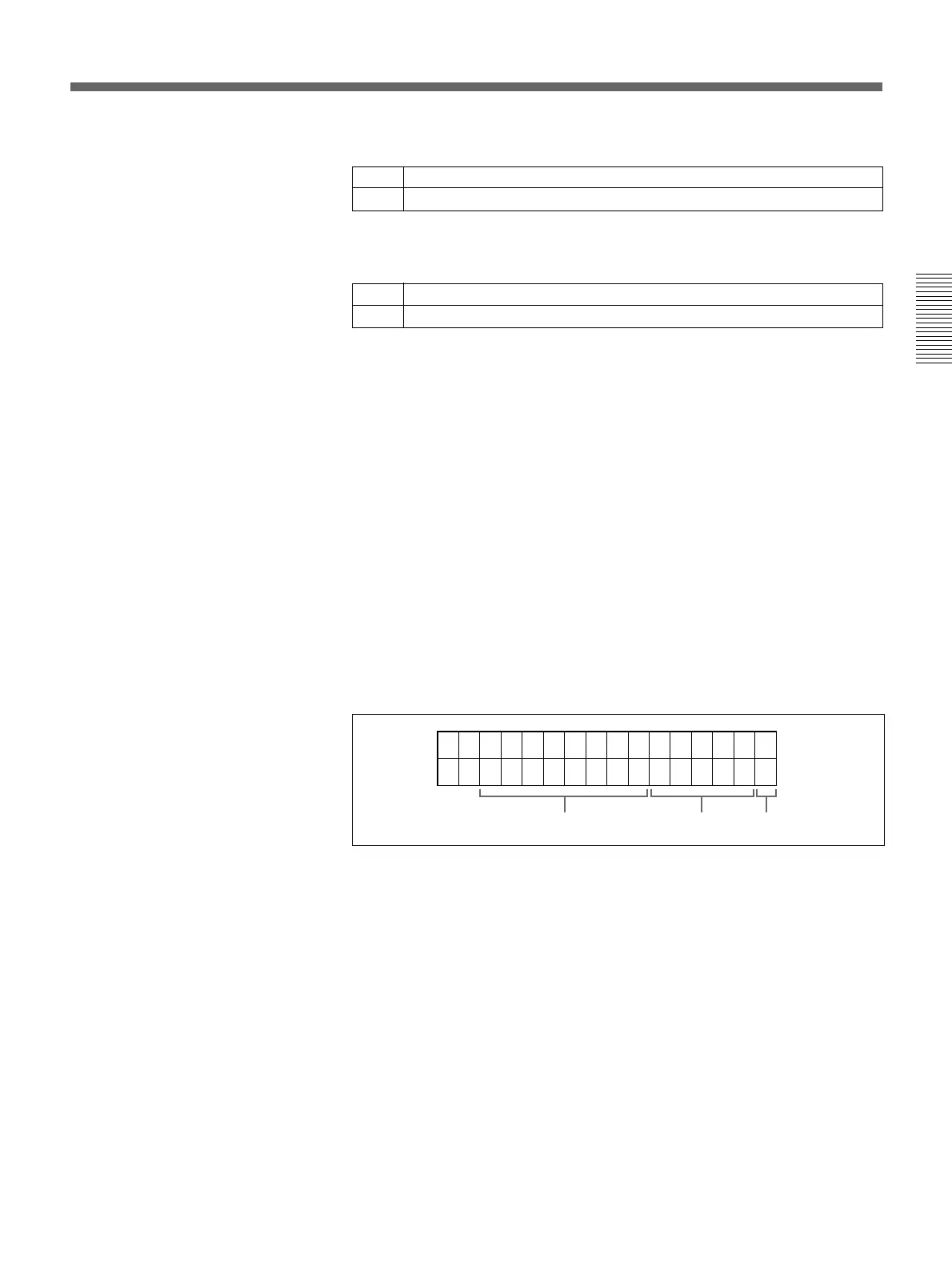
The field is divided into three blocks, A, B and C.
• Block A displays the operation mode.
• Block B displays the servo lock status or tape speed.
• Block C displays a p mark to indicate an edit section during automatic
editing.
ABC
. Drop frame mode (factory default setting)
: Non-drop frame mode
. Drop frame mode (factory default setting)
: Non-drop frame mode



 To Next Page