Chapter 2 Setting/Displaying Time Data and Text Information
Chapter 2 Setting/Displaying Time Data and Text Information 41
To set user bits
You can record up to 8 hexadecimal digits of information (date, time,
event number, etc.) in the time code track.
Proceed as follows.
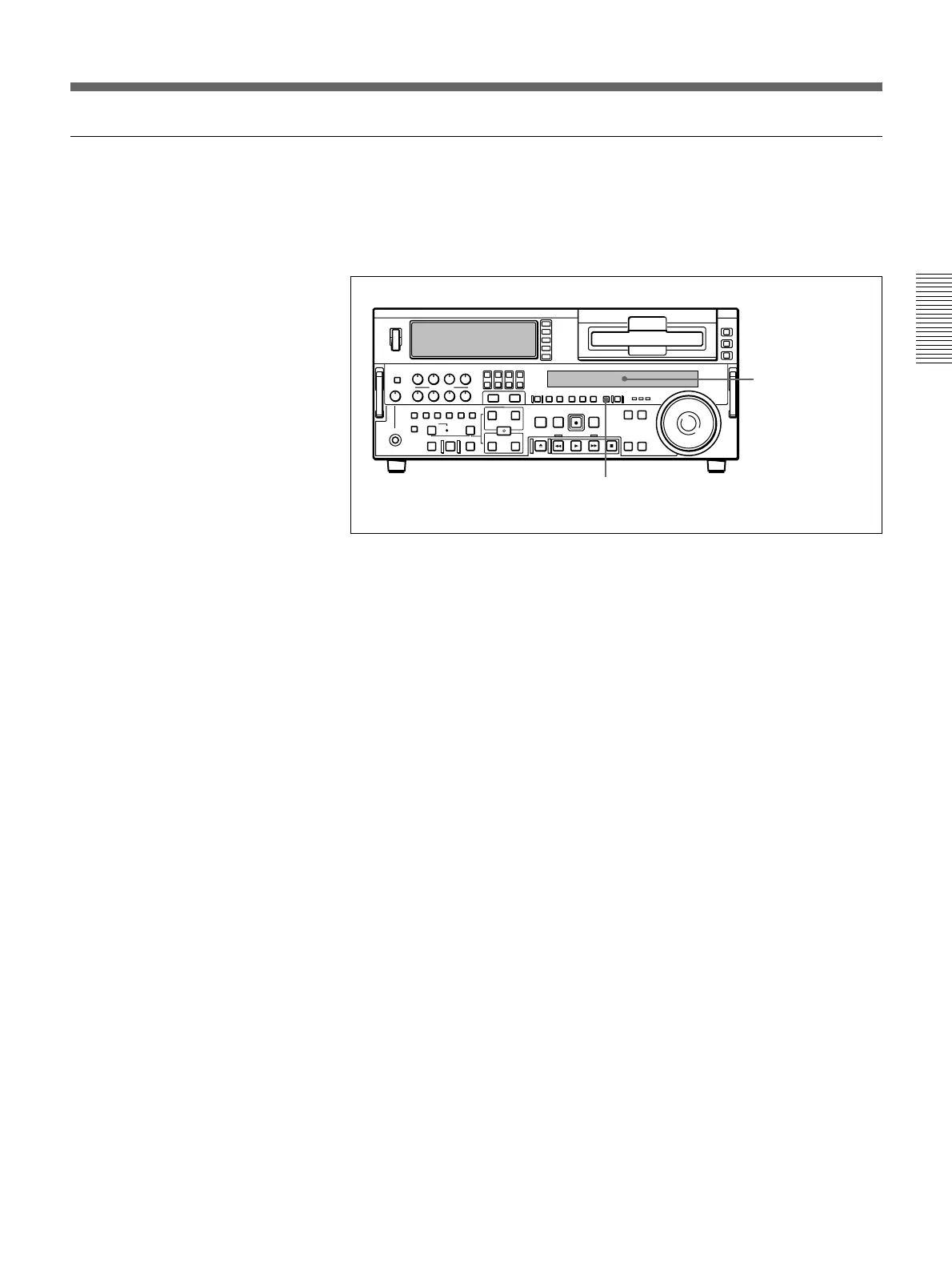
1 Watching the time data type indicator in the display section, press the
COUNTER SEL button and select U-BIT.
2 Carry out steps 2 to 7 of the section “Setting an initial time code
value” (page 39).
Settings are made in hexadecimal (0, 1, 2,... 8, 9, A, B,... E, F).
Display section
1



 To Next Page