31
Basic menu operations
Basic menu
operations
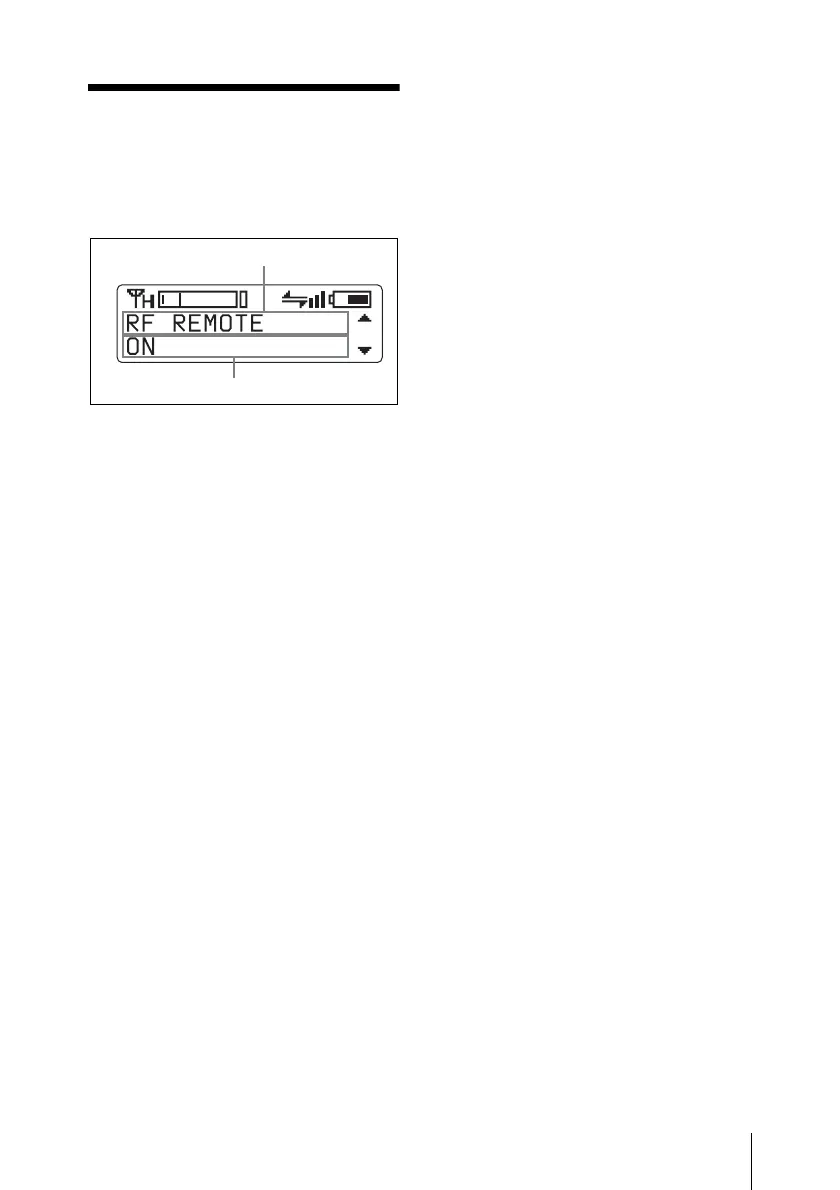
1 Press the + or – button repeatedly until
the function to be set appears.
2 Hold down the SET button until the
item to be set flashes.
3 Press the + or – button to change the
setting.
4 Press the SET button to enter the
setting.
Types of menu:
• NAME (transmitter name) setting
• BAND (frequency band) selection
• GP/CH (group/channel) selection
• RF POWER (RF transmission power)
setting
• INPUT LEVEL (audio input level)
setting
• LCF (low-cut filter) setting
• POWER SAVE setting
• TIME (accumulated use time) indication
• ENCRYPTION (encrypted transmission
function) setting
• INTERNAL SG (internal signal
generator)
• POWER SW LOCK (power switch lock)
function
• RF REMOTE (wireless remote control)
function
• BRIGHTNESS (display brightness)
setting
• DIMMER MODE (automatic dimming
of the display) setting
• FACTORY PRESET (factory setting)
function
• VERSION (software version) indication
Function name
Item to be set


 To Next Page