13
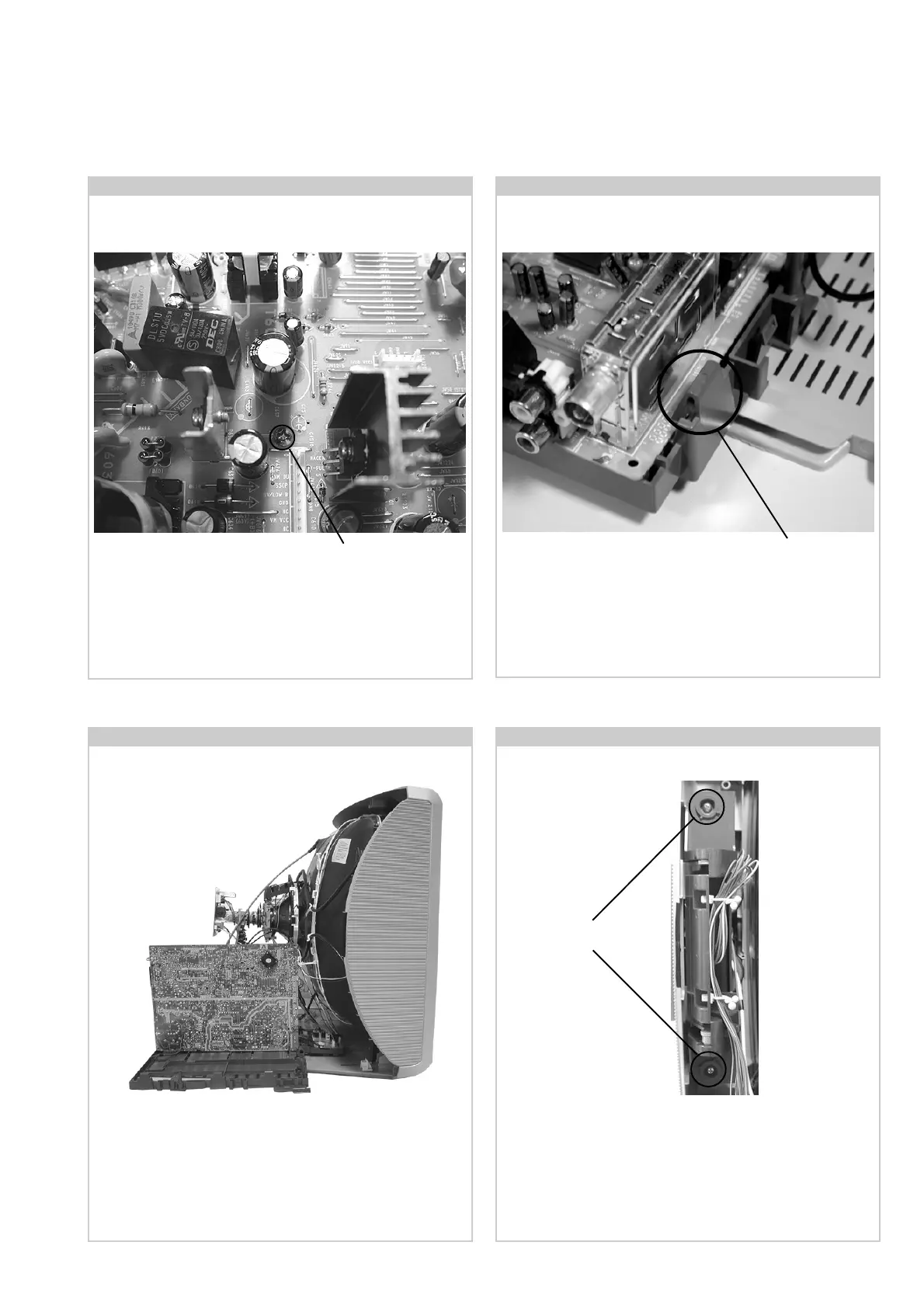
2-5. A Board PWB Removal [ Step 2 ]2-4. A Board PWB Removal [ Step 1 ]
2-7. Side Control Module Removal2-6. Service Position
Screw.
Release the 5 securing clips located at the side and front of the
chassis and slide the PWB clear of the bracket.
Place the A Board PWB in the position indicated to carry out
servicing.
Remove the two screws fixing the user control module to the
side of the set. The control module can then be removed by
sliding it towards the rear of the set allowing access to the
H2 Board.
Screws
Remove the screw securing the PWB to the main bracket.
Clip.



 To Next Page