EasyManua.ls Logo

Sony FH-C33X - Page 17

Sony FH-C33X
26 pages
Print Icon
To Next Page IconTo Next Page
To Previous Page IconTo Previous Page
Loading...
Se
eee
Recording
From.
Another
Tape
(dubbing)
You
can
record
the
whole
tape
onto
another
automatically.
While
dubbing,
you
can
listen
to
the
radio
or
a
CD
by
selecting
TUNER
or
CD.
Use
the
buttons
on
the
unit
to
do
this
operation
and
TYPE
I
(normal)
or
TYPE
II
(CrO,)
tape
for
dubbing.
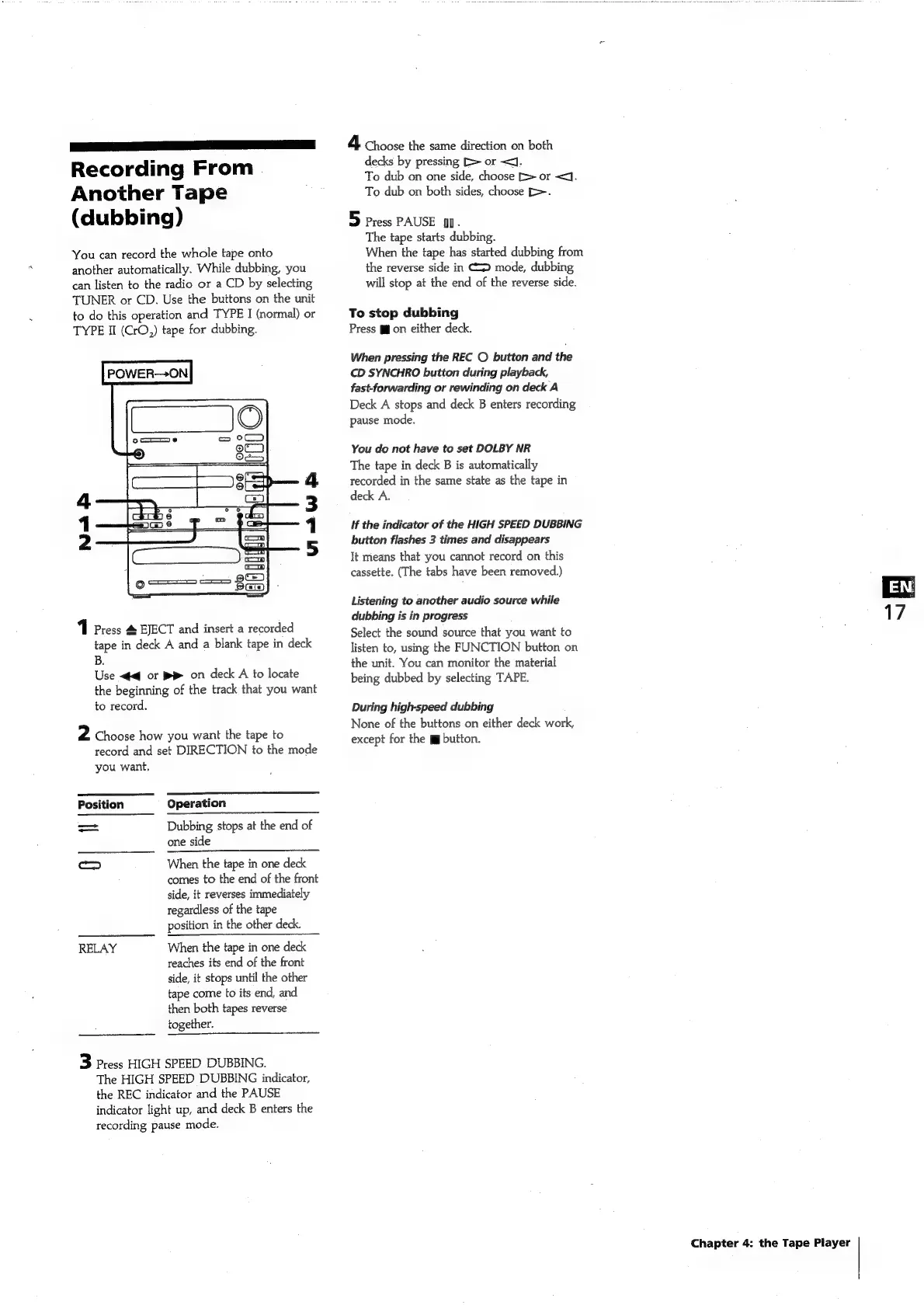
POWER—ON
N=
fh
via
W
1
Press
#
EJECT
and
insert
a
recorded
tape
in
deck
A
and
a
blank
tape
in
deck
B.
Use
<4
or
BR
on
deck
A
to
locate
the
beginning
of
the
track
that
you
want
to
record.
2
Choose
how
you
want
the
tape
to
record
and
set
DIRECTION
to
the
mode
you
want.
Position
Operation
=
Dubbing
stops
at
the
end
of
one
side
cD
When
the
tape
in
one
deck
comes
to
the
end
of
the
front
side,
it
reverses
immediately
regardless
of
the
tape
position
in
the
other
deck.
RELAY
When
the
tape
in
one
deck
reaches
its
end
of
the
front
side,
it
stops
until
the
other
tape
come
to
its
end,
and
then
both
tapes
reverse
together.
3
Press
HIGH
SPEED
DUBBING.
The
HIGH
SPEED
DUBBING
indicator,
the
REC
indicator
and
the
PAUSE
indicator
light
up,
and
deck
B
enters
the
recording
pause
mode.
4
Choose
the
same
direction
on
both
decks
by
pressing
[>
or
<J.
To
dub
on
one
side,
choose
E>
or
<<].
To
dub
on
both
sides,
choose
[>.
5
Press
PAUSE
]].
The
tape
starts
dubbing.
When
the
tape
has
started
dubbing
from
the
reverse
side
in
CD
mode,
dubbing
will
stop
at
the
end
of
the
reverse
side.
To
stop
dubbing
Press
gg
on
either
deck.
When
pressing
the
REC
©
button
and
the
CD
SYNCHRO
button
during
playback,
fast-forwarding
or
rewinding
on
deck
A
Deck
A
stops
and
deck
B
enters
recording
pause
mode.
You
do
not
have
to
set
DOLBY
NR
The
tape
in
deck
B
is
automatically
recorded
in
the
same
state
as
the
tape
in
deck
A.
If
the
indicator
of
the
HIGH
SPEED
DUBBING
button
flashes
3
times
and
disappears
It
means
that
you
cannot
record
on
this
cassette.
(The
tabs
have
been
removed.)
Listening
to
another
audio
source
while
dubbing
is
in
progress
Select
the
sound
source
that
you
want
to
listen
to,
using
the
FUNCTION
button
on
the
unit.
You
can
monitor
the
material
being
dubbed
by
selecting
TAPE.
During
high-speed
dubbing
None
of
the
buttons
on
either
deck
work,
except
for
the
jg
button.
Chapter
4:
the
Tape
Player

Related product manuals