— 7 —
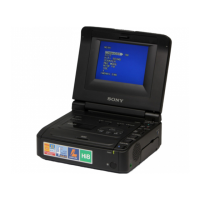
3. TO TAKE OUT A CASSETTE WHEN NOT EJECT (FORCE EJECT) (2)
(TO TAKE OUT A CASSETTE WITHOUT HURTING THE TAPE)
1 Disconnect the power supply (Battery or AC adaptor)
2 Refer to 2-2. to remove the cabinet (lid) assembly.
3 Refer to 2-2. to remove the cabinet (bottom) assembly.
4 Refer to 2-1. to remove the Cassette (lid) assembly.
5 Refer to 2-6 to 2-8. to remove the LCD block (GV-D800/D800E only) and the cabinet (upper) assembly.
6 Remove the FU-145 board.
7 Refer to 2-9. to remove the lid frame assembly.
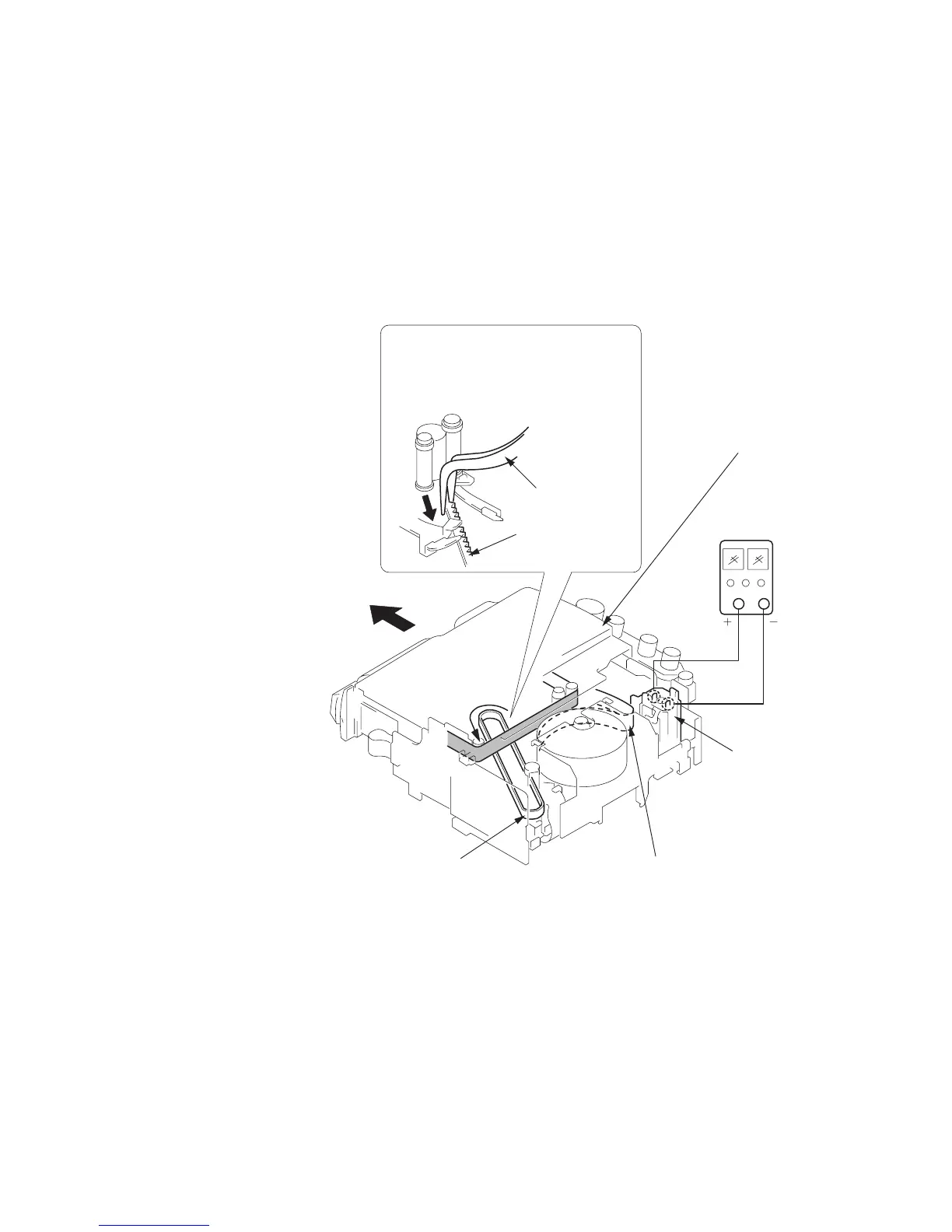
8 Add +5V from the regulated power supply and unload with a pressing the cassette lid.
9
Pull the timing belt in the direction of
arrow
A
with a pincette while pressing
the cassette lid (take care not to damage)
to adjust the bending of a tape.
0
Let go your hold the cassette
lid and rise the cassette
compartment to take out a cassette.
Pincette
Timing belt
Timing belt
Press the cassette lid not to rise
the cassette compartment
Regulated
power supply
(+5V)
Adjust the bending of a tape
Loading motor






 To Next Page