HCD-EC68/EC78
19
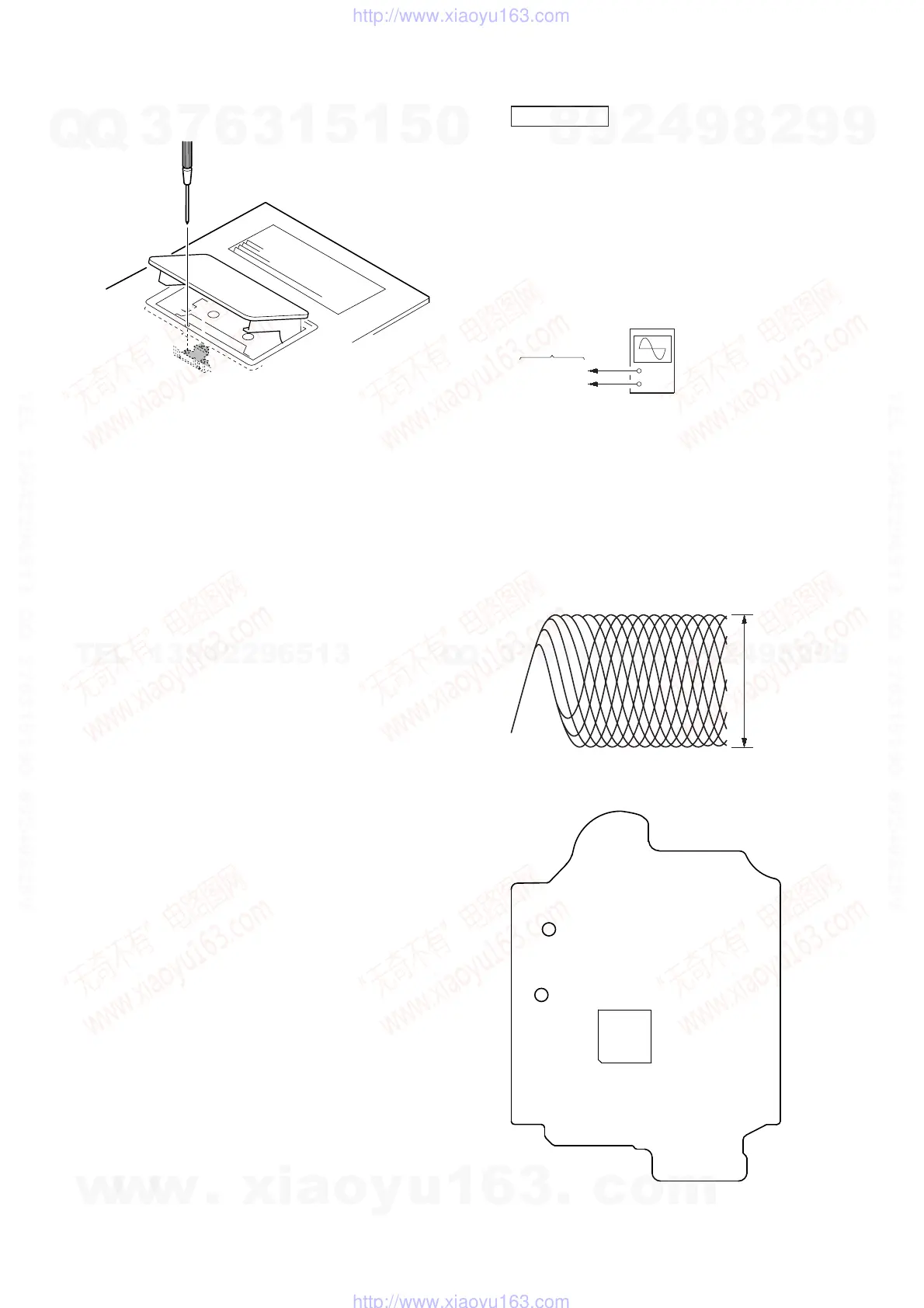
Adjustment Location: Record/Playback/Erase Head
CD SECTION
Note:
1. CD Block is basically constructed to operate without adjustment.
2. Use YEDS-18 disc (3-702-101-01) unless otherwise indicated.
3. Use an oscilloscope with more than 10 MΩ impedance.
4. Clean the object lens by an applicator with neutral detergent when the
signal level is low than specifi ed value with the following checks.
5. Check the focus bias check when optical pick-up block is replaced.
FOCUS BIAS CHECK
+
–
CD board
oscilloscope
(DC range)
TP121 (RFI)
TP124 (VC)
Procedure :
1. Connect the oscilloscope to TP121 (RFI) and TP124 (VC) on
the CD board.
2. Press the [I/
1
] button to turn the power ON, and press the [
Z
]
button to open the CD disc tray.
3. Set disc (YEDS-18) on the trey and press the [CD N] button
to playback.
4. Confi rm that oscilloscope waveform is as shown in the fi gure
below. (eye pattern)
A good eye pattern means that the diamond shape (◊) in the
center of the waveform can be clearly distinguished.
VOLT/DIV: 200 mV
TIME/DIV: 500 ns
level:
1.2 ± 0.3 Vp-p
Checking Location:
TP124
(VC)
– CD Board (Conductor Side) –
TP121
(RFI)
IC101
w
w
w
.
x
i
a
o
y
u
1
6
3
.
c
o
m
Q
Q
3
7
6
3
1
5
1
5
0
9
9
2
8
9
4
2
9
8
T
E
L
1
3
9
4
2
2
9
6
5
1
3
9
9
2
8
9
4
2
9
8
0
5
1
5
1
3
6
7
3
Q
Q
TEL 13942296513 QQ 376315150 892498299
TEL 13942296513 QQ 376315150 892498299
http://www.xiaoyu163.com
http://www.xiaoyu163.com






 To Next Page