30
Menus
OPERATION Menu
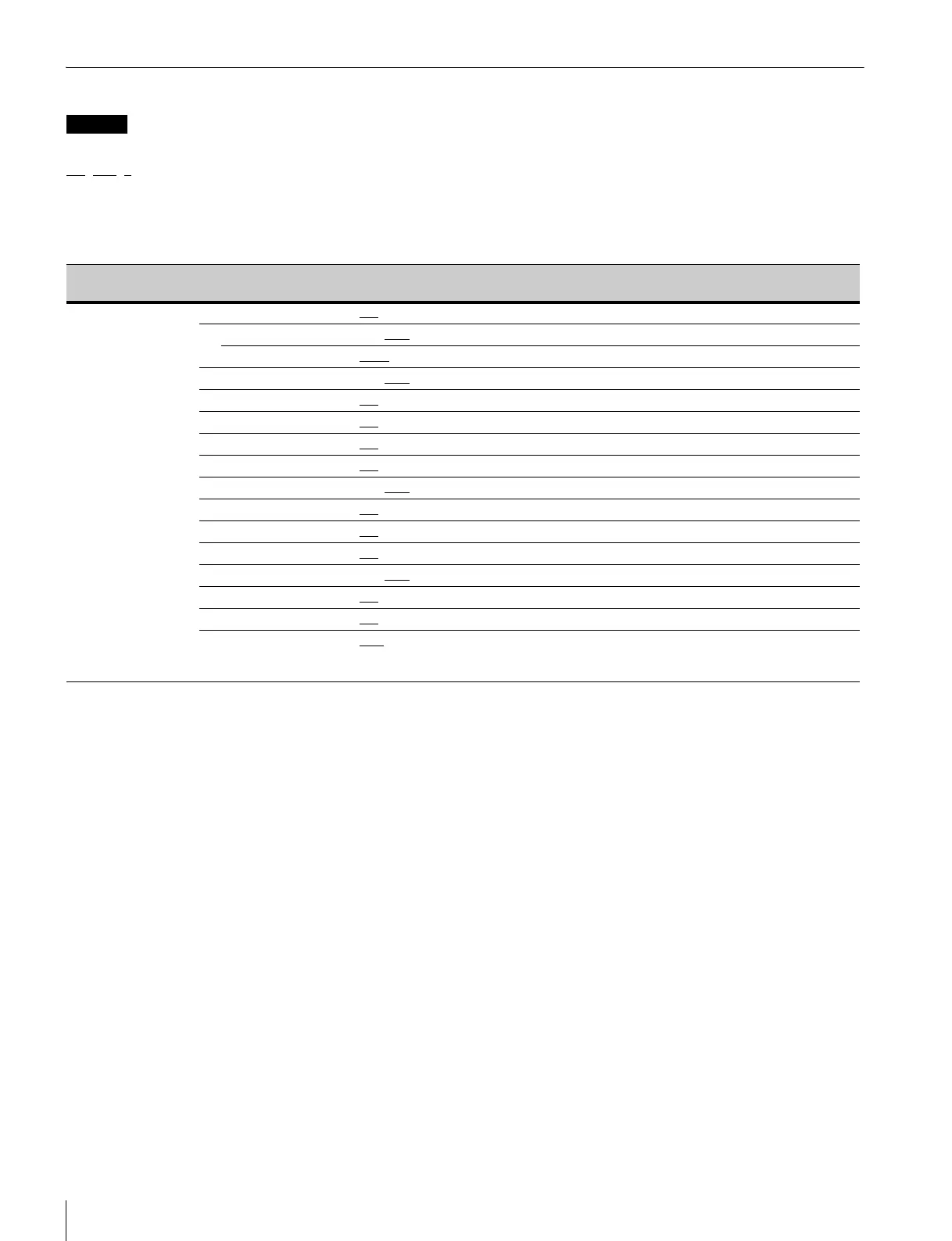
The following conventions are used in the menu list table.
ON, OFF, 0, ... in the Settings column: Default settings
Page No. nn (Unn): For pages that have been registered on the USER menu at the factory, the USER menu page numbers are indicated in
parenthesis.
ENTER to execute: Execute by pushing on the menu control knob.
HDLA: HDLA1500 series
Legend
Page name
Page No.
Item Settings Description
<VF DISPLAY>
01 (U04)
EX ON
, OFF
ZOOM ON, OFF
DISP LEFT, RIGT
FOCUS ON, OFF
Enabled only when a serial lens is used
ND ON
, OFF
CC ON
, OFF HSC300RF/HSC300R only
5600K ON
, OFF
IRIS ON
, OFF
WHITE ON, OFF
D.EXT ON, OFF
GAIN ON
, OFF
SHUTTER ON
, OFF
BATT ON, OFF
RETURN ON, OFF
TAL K ON
, OFF
MESSAGE ALL
, WRN, AT, OFF ALL: Displays all messages.
WRN: Displays warning messages and higher.
AT: Displays Auto Setup information and higher.


 To Next Page