13
GB
Common operations
To control the TV
Press and hold TV (yellow) button (M), then
press the button with yellow printing to control
the TV.
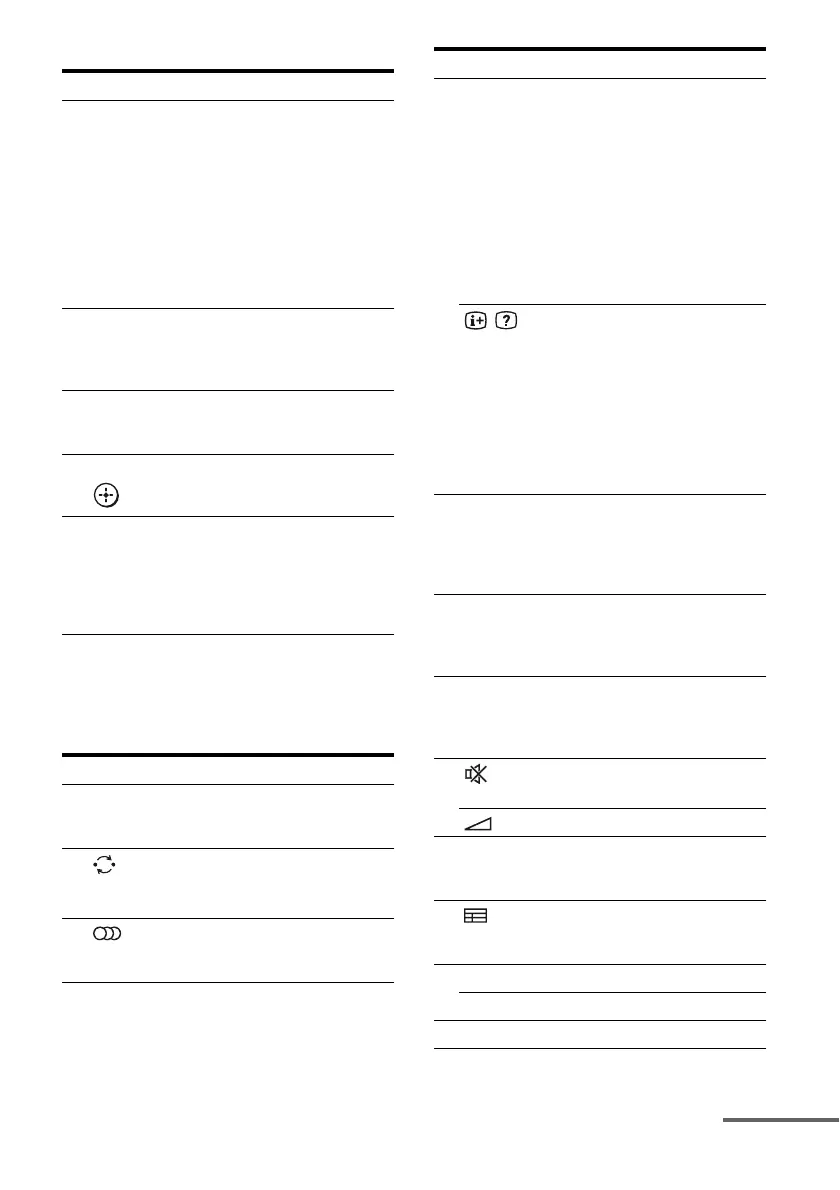
Remote button Function
A TV ?/1
AV ?/1
(on/standby)
Turns on or off the Sony TV
or audio/video components
that the remote is assigned to
operate (page 60).
Press ?/1 (B) and TV ?/1/
AV ?/1 (A) at the same
time to turn off the system
and other components that
the remote is assigned to
operate (SYSTEM
STANDBY).
C Numeric
buttons
(number 5*)
Press and hold SHIFT (L),
then press the numeric
buttons (C) to select
channels and tracks directly.
D ENTER Press and hold SHIFT (L),
then press ENTER (D) to
enter the selection.
P V/v/B/b, Selects a menu item and
enter the selection.
R Colour buttons Displays an operation guide
on the TV screen when the
colour buttons are available.
Follow the operation guide
to perform a selected
operation.
Remote button Function
C Numeric
buttons
(number 5*)
Selects channel. Press
ENTER (D) to change
channels immediately.
D
(Previous
channel)
Returns to the channel
previously watched (for
more than five seconds).
F * (Audio) Selects the sound from the
speaker for a stereo or
bilingual broadcast
Remote button Function
F DISPLAY – Displays the TV’s
information on the TV
screen. (Displays the
current channel number,
etc.)
– Press AMP MENU (G),
then press DISPLAY to
display the input stream
information of the TV
when TV is connected via
DIGITAL TV OPT IN
jack.
/
(Info/Text
reveal)
In digital mode: Displays
brief details of the program
currently being watched.
In analog mode: Displays
information such as current
channel number and screen
format.
In text mode: Reveals hidden
information (e.g. answers to
a quiz).
H TOOLS/
OPTIONS
Enables you to access
various viewing options and
change/make adjustments
according to the source and
screen format.
I MENU/HOME Allows you to select
channels or input sources and
change the settings for your
TV.
K PROG +*/–
c*/C
In TV mode: Selects the next
(+) or previous (–) channel.
In text mode: Selects the next
(c) or previous (C) page.
N
(Muting)
Activates the muting
function.
+/– Adjusts the volume level.
O O
RETURN/EXIT
Returns to the previous
screen of any displayed
menu.
Q
(Guide)
Displays the guide when you
are watching analog and
digital channels.
S ANALOG Changes to analog mode.
DIGITAL Changes to digital mode.
T
/
(Text) Displays text.
continued



 To Next Page