32
GB
Enjoying sound/images
from the components
connected to the system
1
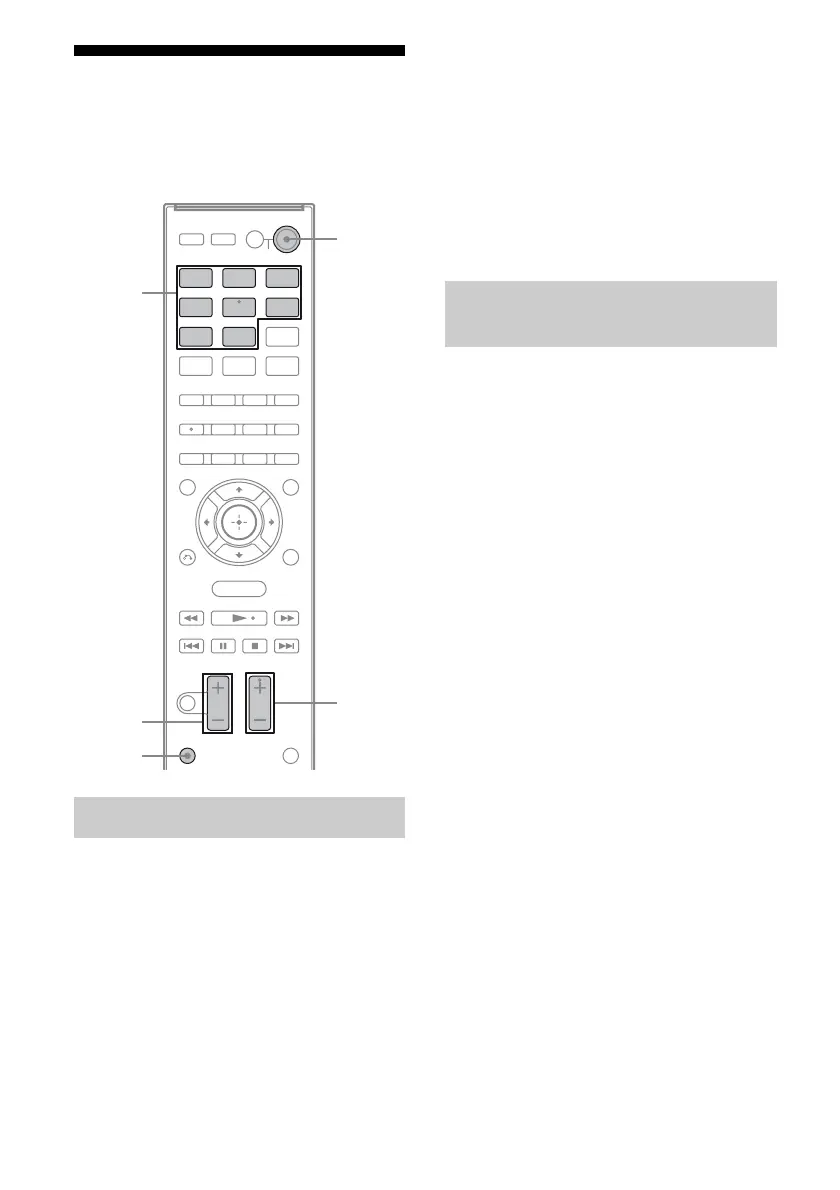
Turn on the TV and choose a
program.
For details, refer to the operating
instructions of the TV.
2 Turn on the system.
3 Press TV.
You can also use INPUT SELECTOR on
the subwoofer to select “TV”.
4 Adjust the volume of the
system.
Tips
• When you connect a Sony TV, the audio input of
the TV is switched and the image from the TV
tuner is displayed on the TV screen automatically
by pressing the TV button.
• The sound may be output from the TV’s speaker.
In this case, turn the volume of the TV’s speaker
down to the minimum.
1 Turn on the TV.
2 Turn on the satellite tuner or
cable television tuner and the
system.
3 Press SAT/CATV.
You can also use INPUT SELECTOR on
the subwoofer to select “SAT/CATV”.
4 Change the TV input.
For details, refer to the operating
instructions of the TV.
5 Adjust the volume of the
system.
Tip
The sound may be output from the TV’s speaker. In
this case, turn the volume of the TV’s speaker down
to the minimum.
Enjoying TV
BD DVD
SAT/
CATV
TV VIDEO
SA-CD/
CD
DMPORT
TUNER
MENU
Input
buttons
2 +/–
?/1
SOUND
FIELD +/–
TV
Enjoying a satellite tuner or
cable television tuner



 To Next Page