50
GB
S-AIR products use a radio frequency of
2.4 GHz. Certain electronic equipment or
other factors may cause lost connection or
instability in S-AIR reception.
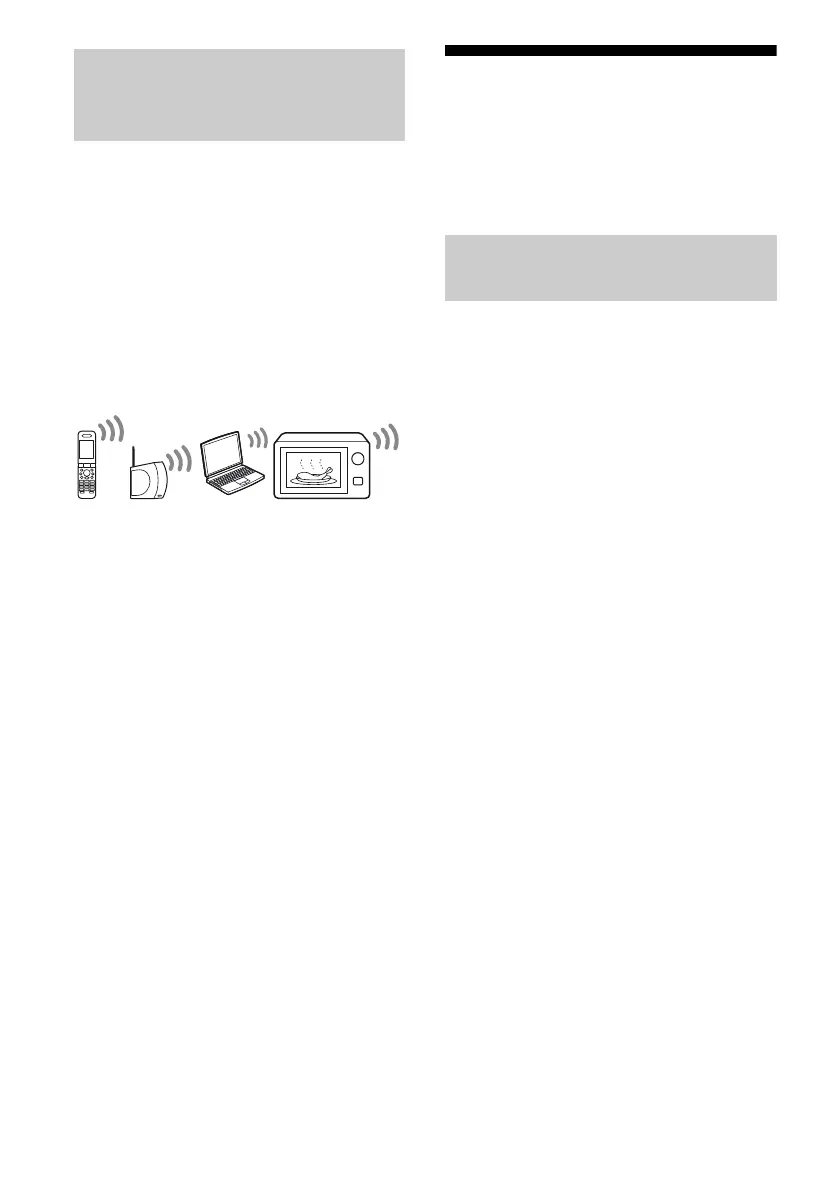
• Electronic equipment influence
The following may cause interference or
cross talk.
– Cellular phones, cordless phones
– Wireless LAN, personal computers
– Game machines using radio signals
– Microwave ovens
• Other factors
The following may cause poor reception.
– Materials or structures, such as walls and
floors
– The location where an S-AIR product is
placed
When using S-AIR products, place them as far
as possible from the above electronic
equipment, or place where S-AIR reception is
stable.
Setting up an S-AIR
product
Before using an S-AIR product, be sure to
perform the following settings to establish the
sound transmission.
To make use of the S-AIR function, you need
to insert the wireless transmitter (not supplied)
into the S-AIR main unit and the wireless
transceiver (not supplied) into the S-AIR sub
unit.
Notes
• Before inserting the wireless transmitter/
transceiver, be sure to disconnect the AC power
cord (mains lead).
• Do not insert/detach the wireless transmitter/
transceiver (not supplied) while the system is
turned on.
• Do not touch the terminals of the wireless
transmitter/transceiver.
About environments where
S-AIR products (S-AIR main unit
and sub unit) are used
Inserting the wireless
transmitter/transceiver



 To Next Page