46
GB
Using the power saving
function
(HDMI Signal Pass Through)
You can reduce the system’s power
consumption when you connect a “BRAVIA”
Sync-compatible TV to this system. During
active standby mode, if the TV is turned off,
the HDMI signal transmission will stop. Thus,
power consumption will reduce.
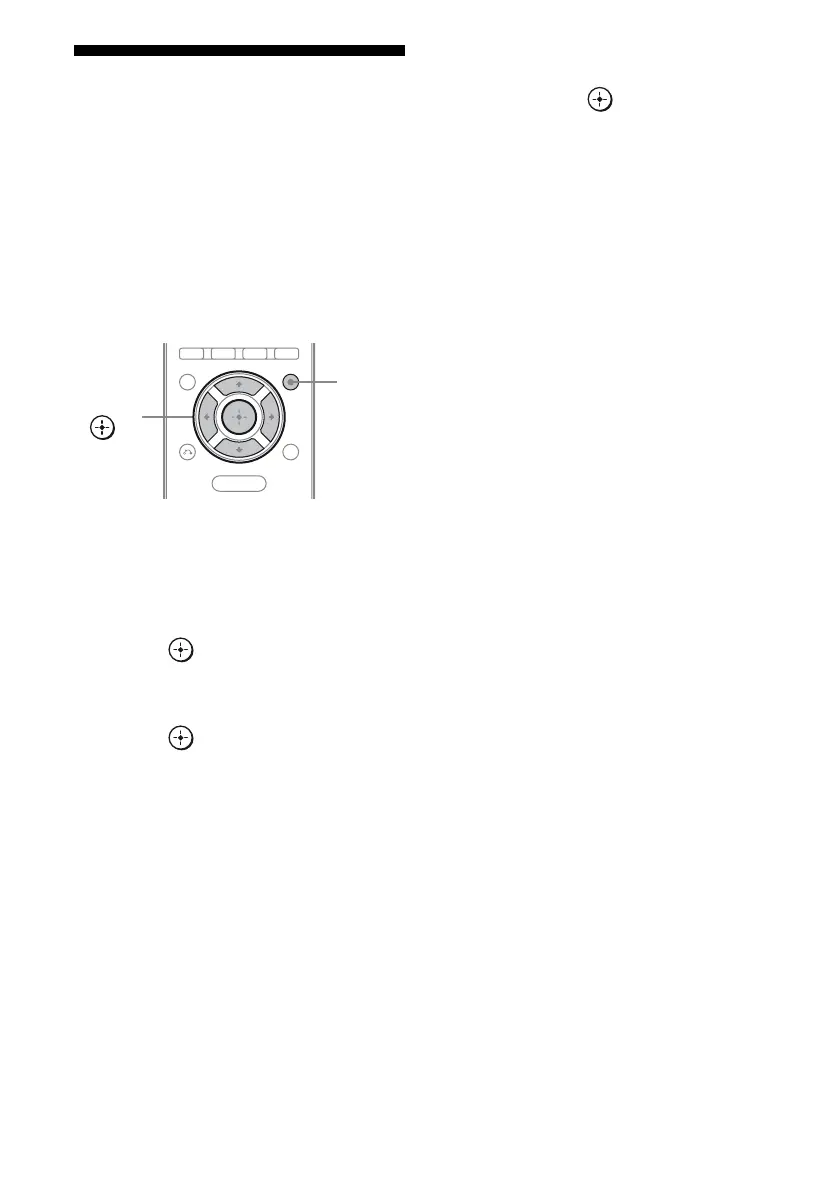
1 Press AMP MENU.
“LEVEL” appears on the display.
2 Press V/v repeatedly until
“SET HDMI” appears, then
press or b.
3 Press V/v repeatedly until
“PASS THRU” appears, then
press or b.
4 Press V/v repeatedly until the
setting you want appears,
then press .
• THRU AUTO: When the TV is turned
on while the system is in the standby
mode, the system outputs HDMI signals
from the system’s HDMI TV OUT jack.
Sony recommends this setting if you use
a TV that is compatible with “BRAVIA”
Sync. This setting saves power in the
standby mode compared with the
“THRU ON” setting.
• THRU ON: When the system is in the
standby mode, the system continuously
outputs HDMI signals from the
system’s HDMI TV OUT jack.
5 Press AMP MENU.
The AMP menu turns off.
Notes
• The power saving function may not work for some
TVs compatible with the “BRAVIA” Sync. In this
case, set “PASS THRU” to “THRU ON”.
• Depending on your components, it may take time
before image or sound is output.
• This function is available only when the Control
for HDMI function is set to on.
MENU
AMP
MENU
V/v/B/b,



 To Next Page