55
GB
S-AIR Operations
Enjoying the system’s
sound in another room
(For the S-AIR receiver only (not
supplied))
You can enjoy the system’s sound in another
room by using the S-AIR receiver. The S-AIR
receiver can be placed in another room for
enjoying the system’s sound there.
For details of the S-AIR receiver, refer to the
operating instructions supplied with S-AIR
receiver.
Note
Sources with copyright protection may not be
playable on S-AIR products.
1 Set the ID of the S-AIR receiver
to match the ID of the S-AIR
main unit.
• To set the ID of the S-AIR main unit,
see “To set the ID of the S-AIR main
unit” (page 52).
• To set the ID of the S-AIR receiver,
refer to the operating instructions
supplied with S-AIR receiver.
Notes
• When you are using another S-AIR sub unit,
such as a surround amplifier, do not change
the ID of the S-AIR main unit. Set the ID of
the S-AIR receiver to match the ID of the
S-AIR main unit.
• When you pair the S-AIR main unit and
another S-AIR sub unit, such as a surround
amplifier, you also need to pair the S-AIR
main unit and the S-AIR receiver. For details,
see “Pairing the S-AIR main unit with a
specific S-AIR sub unit (Pairing operation)”
(page 53).
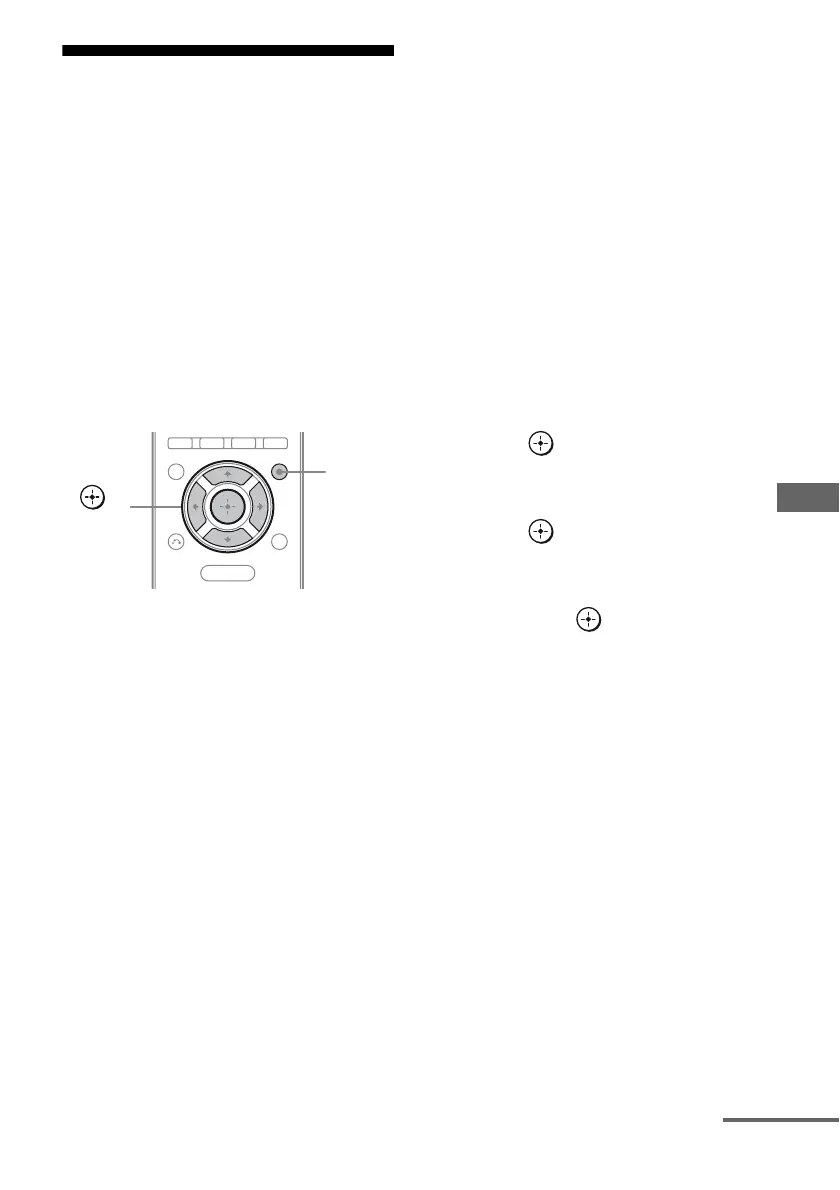
2 Press AMP MENU.
“LEVEL” appears on the display.
3 Press V/v repeatedly until
“S-AIR SET” appears, then
press or b.
4 Press V/v repeatedly until
“S-AIR MODE” appears, then
press or b.
5 Press V/v repeatedly until the
setting you want appears,
then press .
• PARTY: The S-AIR sub unit outputs
sound according to function set on the
S-AIR main unit.
• SEPARATE: You can select the input
you want for the S-AIR receiver while
the input of the S-AIR main unit remain
unchanged.
When “SEPARATE” is set, the
functions you can select are “MAIN
UNIT”, “SA-CD/CD”, “DMPORT”,
“TUNER FM” and “TUNER AM”. To
enjoy the same function as the S-AIR
main unit, select “MAIN UNIT”.
MENU
AMP
MENU
,
V/v/B/b
continued



 To Next Page