53
GB
S-AIR Operations
To use multiple S-AIR main
units
You can use multiple S-AIR products by
setting a different ID for each unit.
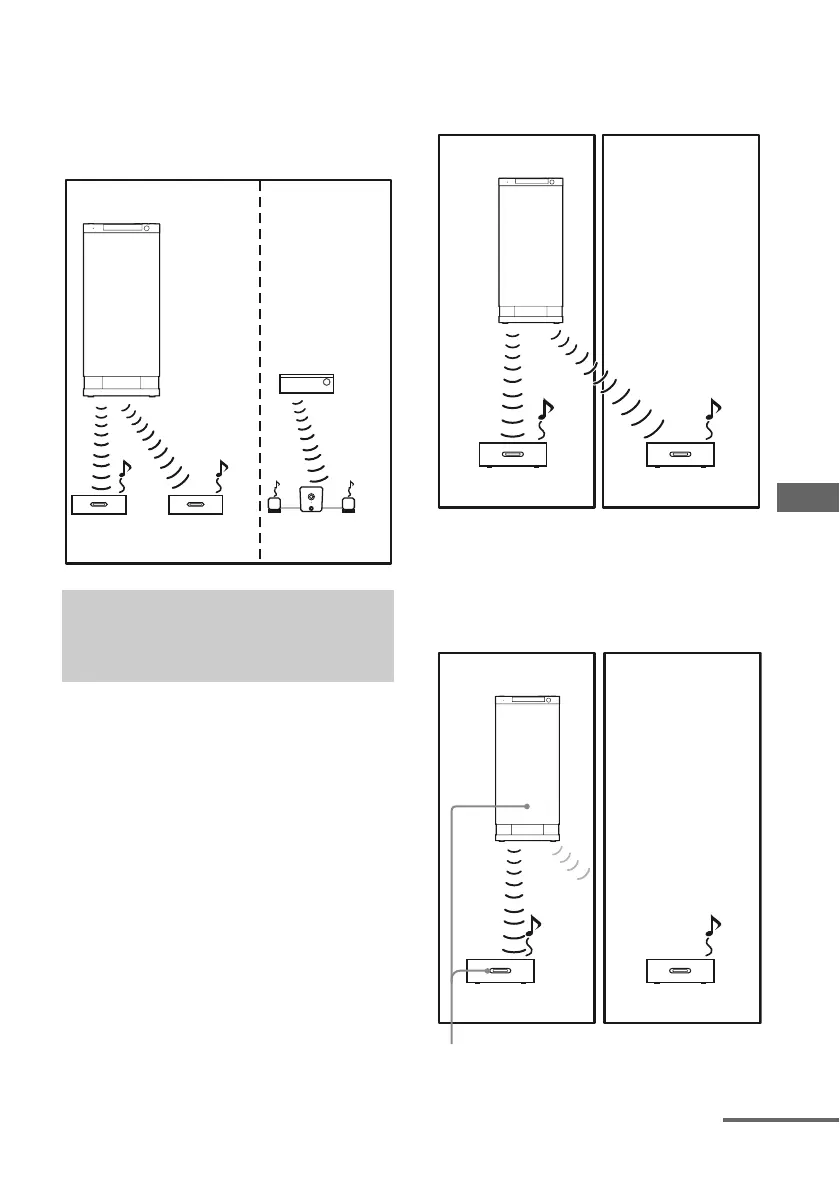
Sound transmission is established as follows:
To establish sound transmission, you need to
set the same ID for your S-AIR main unit and
S-AIR sub unit. However, if your neighbours
have S-AIR products and their IDs are the
same as yours, your neighbours could receive
the sound of your S-AIR main unit or vice
versa.
To prevent this, you can pair the S-AIR main
unit with a specific S-AIR sub unit by
performing the pairing operation.
x Before pairing
Sound transmission is established by the ID.
x After pairing
Sound transmission is established between the
paired S-AIR main unit and S-AIR sub unit(s)
only.
Pairing the S-AIR main unit with
a specific S-AIR sub unit
(Pairing operation)
ID A ID A
ID B
ID A
ID B
S-AIR main unit
(this subwoofer)
Other S-AIR
main unit
S-AIR
sub unit
S-AIR
sub unit
S-AIR sub unit
ID A
ID A
ID A
Your room
S-AIR main unit
(this subwoofer)
S-AIR sub unit S-AIR sub unit
Neighbour
ID A
ID A
ID A
Your room
S-AIR main unit
(this subwoofer)
S-AIR sub unit S-AIR sub unit
Neighbour
No transmission
Pairing
continued



 To Next Page