52
GB
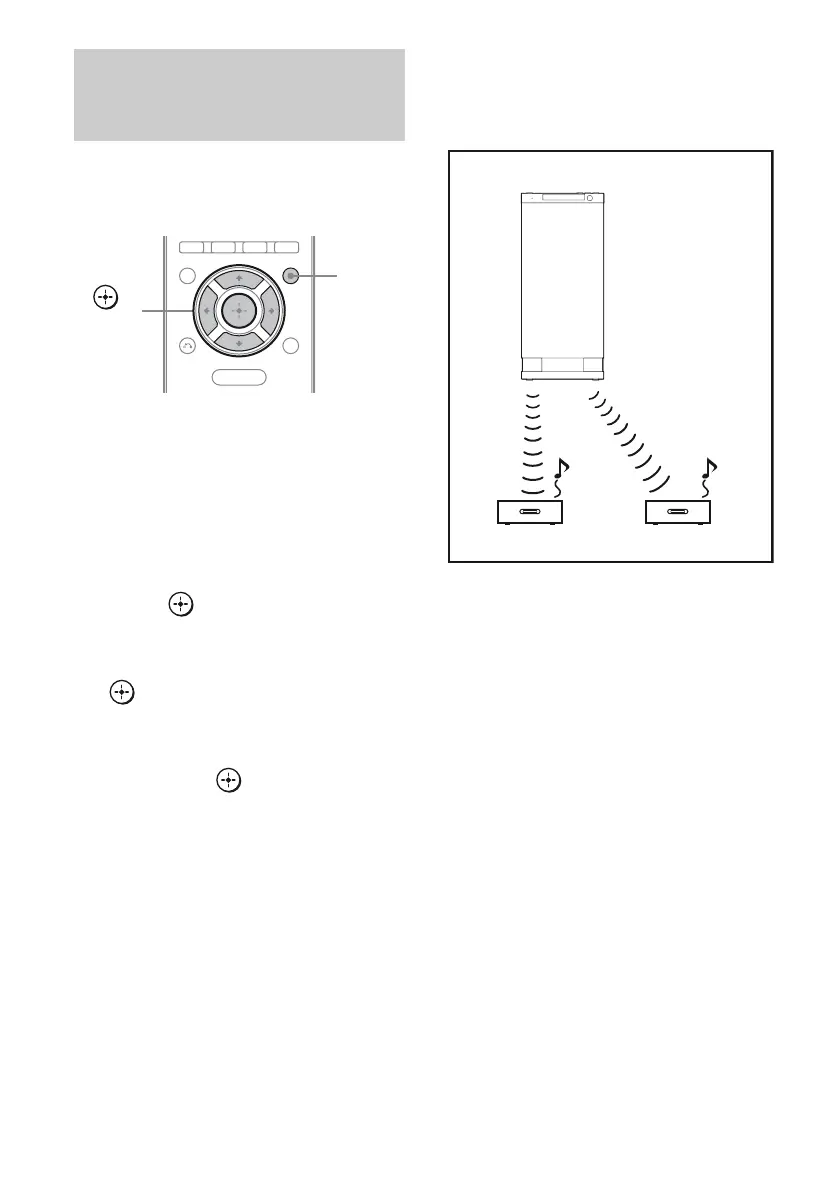
When you match the ID of the S-AIR main
unit and the S-AIR sub unit, you can establish
sound transmission.
To set the ID of the S-AIR main
unit
1 Press AMP MENU.
“LEVEL” appears on the display.
2 Press V/v repeatedly until
“S-AIR SET” appears, then
press or b.
3 Press V/v repeatedly until
“S-AIR ID” appears, then press
or b.
4 Press V/v repeatedly to select
the desired ID (S-AIR ID A/B/C)
then press .
5 Set the S-AIR sub unit to the
same ID.
Sound transmission is established as
follows:
6 Press AMP MENU.
The AMP MENU turns off.
To set the ID of the S-AIR sub
unit
Be sure to match the ID on S-AIR sub unit you
want to the S-AIR main unit.
For details on setting the ID of the S-AIR sub
unit, refer to the operating instructions
supplied with the S-AIR sub unit.
Establishing sound transmission
between the S-AIR main unit and
S-AIR sub unit (ID setting)
MENU
AMP
MENU
,
V/v/B/b
ID A
ID A
ID A
S-AIR main unit
(this subwoofer)
S-AIR sub unit S-AIR sub unit



 To Next Page