47
GB
Using the Various Functions/Settings
Playing Compressed
Audio Files or CDs in
Natural Sound Quality
(DSEE)
This function enhances the sound
quality of compressed audio files or CDs
by restoring high-range sound removed
in the compression process. You can
enjoy listening to sound close to its
original, natural and spatial sound.
1 Press HOME.
The home menu appears on the TV
screen.
2 Select [Setup] from the home
menu.
The setup display appears on the TV
screen.
3 Select [Audio Settings] - [DSEE].
4 Select [On].
• This function is only available when
[ClearAudio+] or [Music] is selected as the
sound field (page 28).
• This function is compatible with the
2-channel digital input signals of 44.1 kHz
or 48 kHz sampling frequency.
• The sampling frequency/bit depth after
upscaling is up to 96 kHz/24 bit.
• This function is not compatible with DSD
signals.
• This function does not work for the
analog input.
• This function does not work when using
the wireless surround function or
Chromecast built-in.
Enjoying Multiplex
Broadcast Sound (AUDIO)
You can enjoy multiplex broadcast
sound when the system receives a
Dolby Digital multiplex broadcast signal.
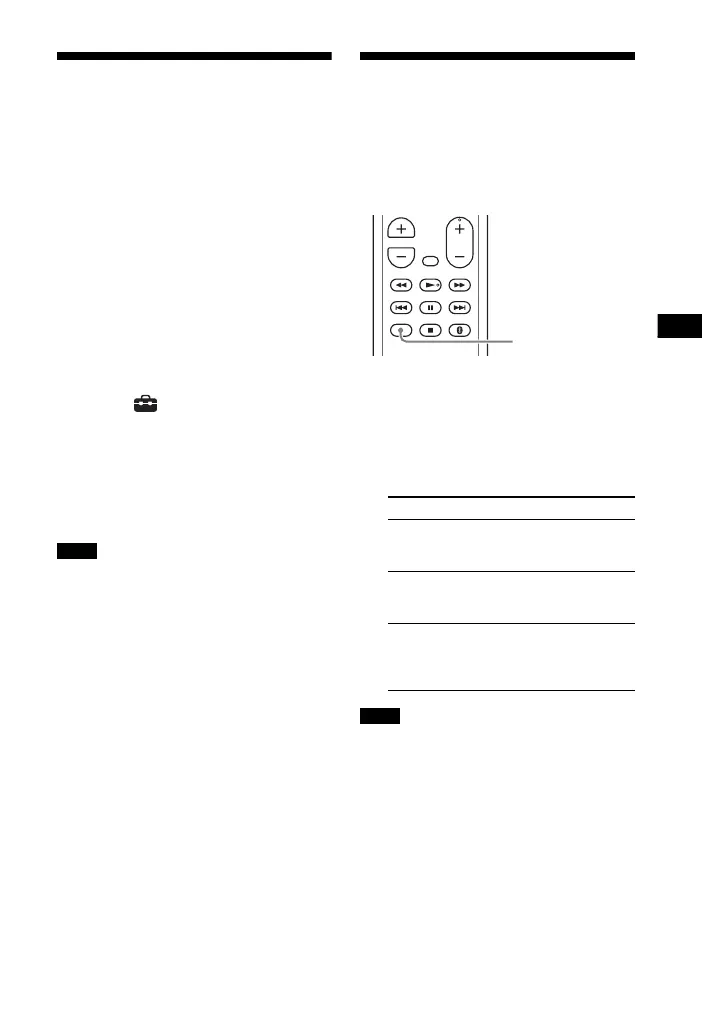
1 Press AUDIO.
The audio signal appears in the front
panel display.
2 Press the button repeatedly to
select the desired audio signal.
• To receive a Dolby Digital signal, you
need to connect a TV or other devices to
the TV IN (OPTICAL) jack with the optical
digital cable (not supplied).
• If your TV’s HDMI IN jack is compatible
with the Audio Return Channel function
(page 50), you can receive a Dolby Digital
signal via HDMI cable.
Notes
Audio signal Explanation
“MAIN” Sound of the main
language will be
output.
“SUB” Sound of the sub
language will be
output.
“MN/SB” Mixed sound of both
the main and sub
languages will be
output.
Notes



 To Next Page