33
GB
Advanced Settings
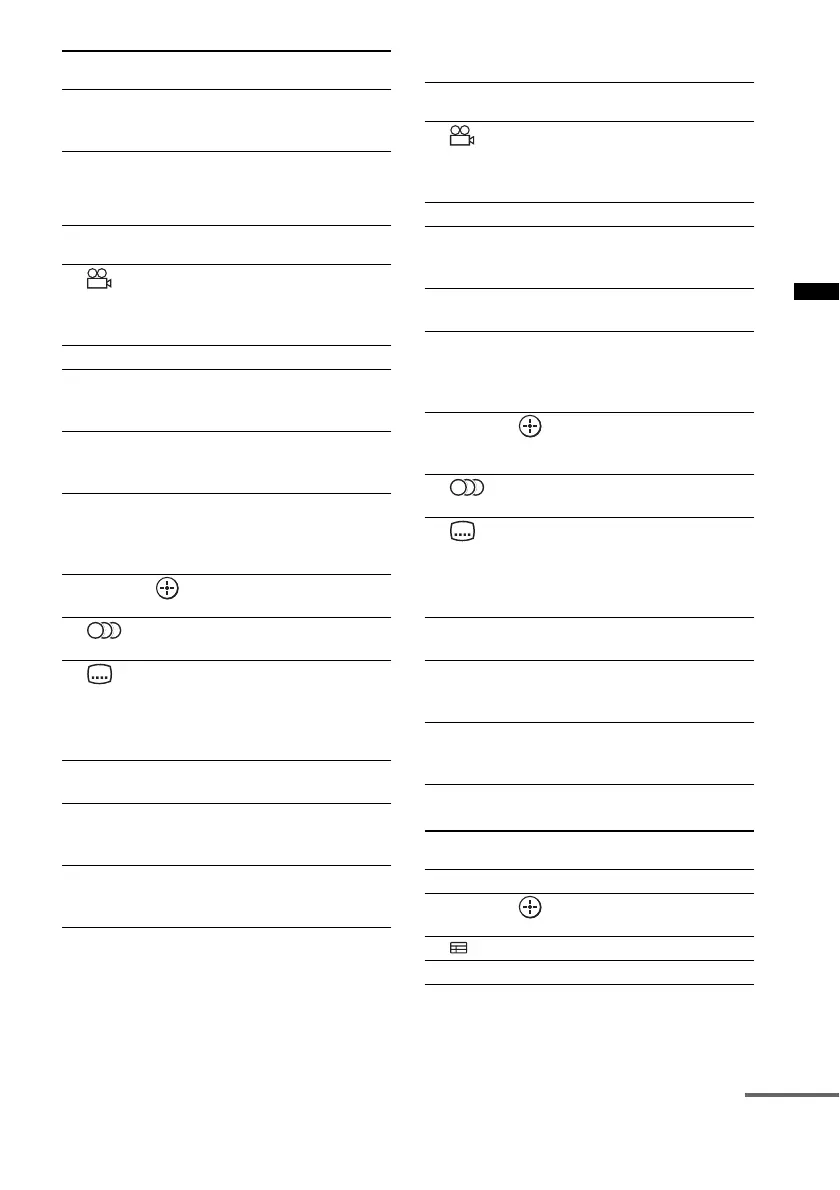
To control the DVD player/Blu-ray
Disc player
To control the HDD/DVD COMBO
To control the SAT
wg CLEAR While pressing and
holding qd SHIFT, press
wg CLEAR.
Remote Control
Button
Function
6 Switches to other viewing
angles when multi-angles
are recorded on a DVD
VIDEO.
8 MENU/HOME Displays the menu.
9 m/M To fast reverse or to fast
forward the disc when
pressed during playback.
0 ./> To go to the beginning of
the previous or next
chapter or track.
qa N (playback)/X
(pause, press again to
resume normal
playback)/x (stop)
Play mode buttons.
qk
C, X, x, c, Selects a menu item and
enters the selection.
wa Selects the audio format/
track.
ws Selects the subtitle
language when
multilingual subtitles are
recorded on a BD-ROM/
DVD VIDEO.
wd TOP MENU Displays the top menu/disc
menu.
wf POP UP/MENU Displays the BD-ROM’s
Pop-up Menu, or the
DVD’s menu.
wg CLEAR While pressing and
holding qd SHIFT, press
wg CLEAR.
Remote Control
Button
Function
Remote Control
Button
Function
6 Switches to other viewing
angles when multi-angles
are recorded on a DVD
VIDEO.
8 MENU/HOME Displays the menu.
9 m/M To fast reverse or to fast
forward the disc when
pressed during playback.
0 ./> To specify the previous or
next chapter or track.
qa N (playback)/X
(pause, press again to
resume normal
playback)/x (stop)
Play mode buttons.
qk
C, X, x, c, Moves the highlight
(cursor) and selects the
item.
wa Selects the audio format/
track.
ws Selects the subtitle
language when
multilingual subtitles are
recorded on a BD-ROM/
DVD VIDEO.
wd TOP MENU Displays the top menu/disc
menu.
wf POP UP/MENU Displays the BD-ROM’s
Pop-up Menu, or the
DVD’s menu.
wg CLEAR While pressing and
holding qd SHIFT, press
wg CLEAR.
Remote Control
Button
Function
8 MENU/HOME Displays the menu.
qk
C, X, x, c, Selects a menu item and
enters the selection.
ql (Guide) Displays the guide menu.
wg / (Text) Displays text.
continued



 To Next Page