13
GB
Getting Started
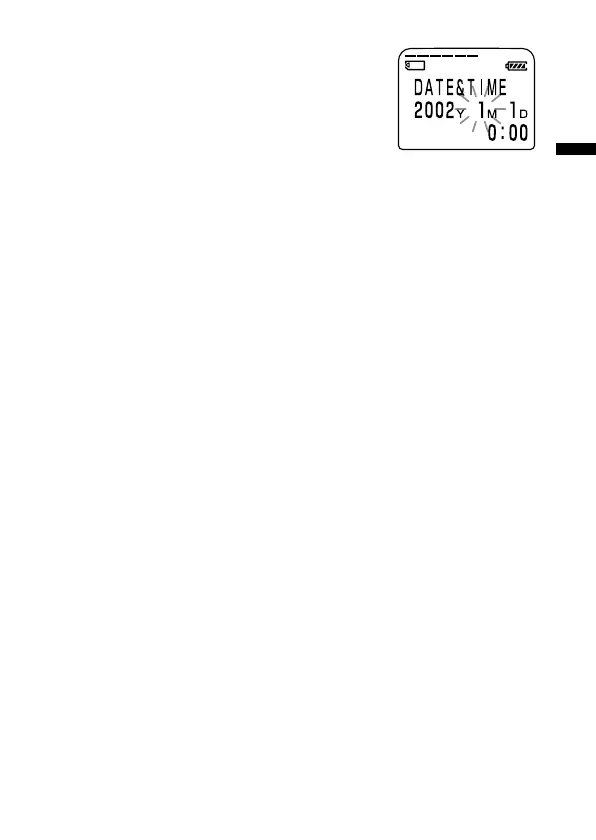
4 Set the date and time.
1 Press the jog lever up or down (>/
.)to select the digits of the year.
2 Press the jog lever (x•B).
The month digits will flash.
3 Set the month, day, and the time in
sequence, then press the jog lever
(x•B).
The menu mode will be displayed again.
5 Turn the jog lever toward MENU.
The window will return to normal display.
To display the current time
Press x STOP button during the sleep display mode (page 53).
The current time will be displayed for three seconds.



 To Next Page