Listening to the radio16
GB
Directly entering the
frequency
— Direct tuning
If you know the frequency of the station you want to listen to, you can
use the number buttons for quick and accurate tuning.
1
4
5
2
3
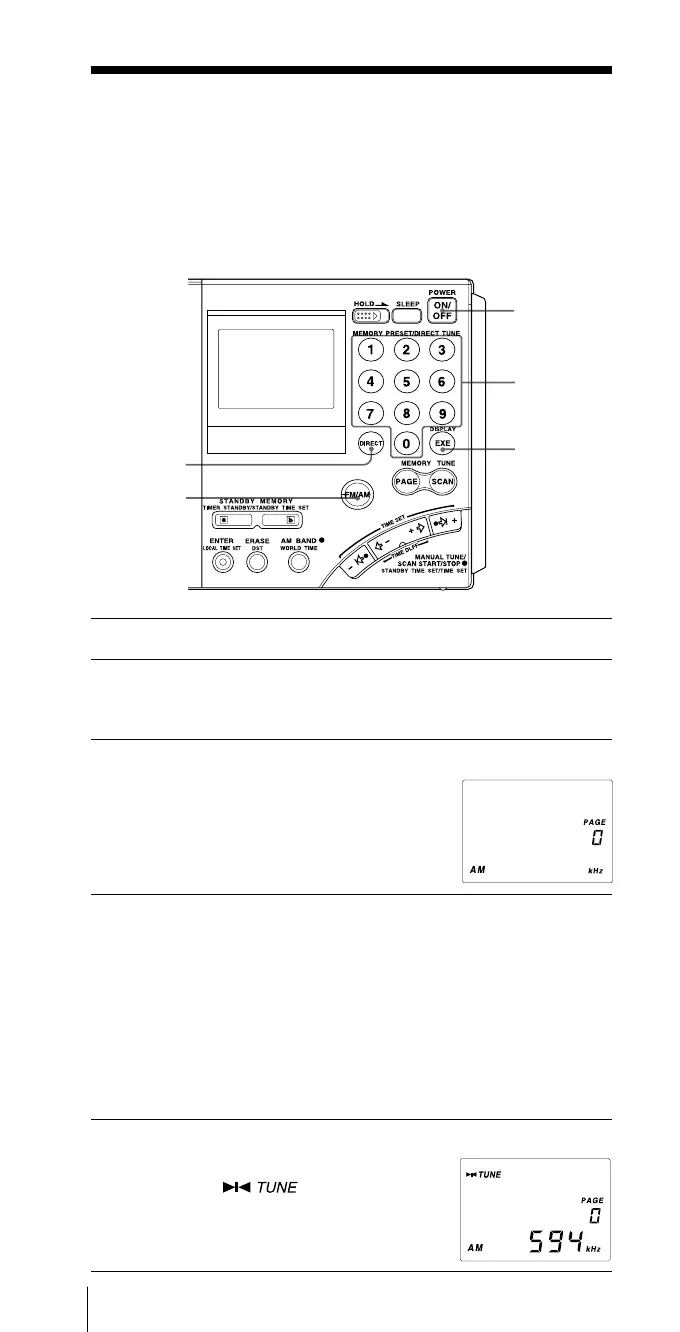
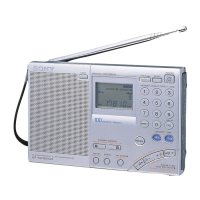
1 Press POWER ON/OFF to turn on the radio.
2 Press FM/AM to select either band.
To listen to SW (short wave), MW (medium wave) or LW (long
wave) broadcasts, select AM.
3 Press DIRECT.
The frequency disappears from the display.
Perform Step 4 within 10 seconds.
Otherwise, the unit will return to the
condition prior to Step 3. In this case, repeat
from Step 3. In addition, perform steps after
Step 4 within 10 seconds as well.
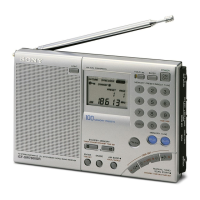
4 Press the number buttons and input the frequency of
the desired station.
FM band: You can ignore the decimal point.
Example: To enter 89.5 MHz, press 8, 9 and 5.
AM band: You can ignore the last 3 digits if they are all zero.
Examples: To enter 810 kHz, press 8, 1 and 0.
To enter 10 000 kHz, enter 1 and 0.
To enter 12 095 kHz, enter 1, 2, 0, 9 and 5.
The minimum frequency step for direct input is 0.05 MHz (50 kHz)
for FM and 1 kHz for AM.
5 Press EXE.
The unit will tune in to the entered
frequency. “ ” will appear in the
display when the station is tuned in.
TVOLUME
(adjust the
volume)


 To Next Page