27
GB
Listening to the radio
Adjusting for optimum AM reception — Synchronous detection
Adjusting for optimum AM
reception
— Synchronous detection
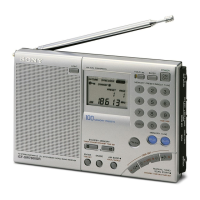
With synchronous detection, you can adjust AM reception (especially SW
reception) to optimum conditions.
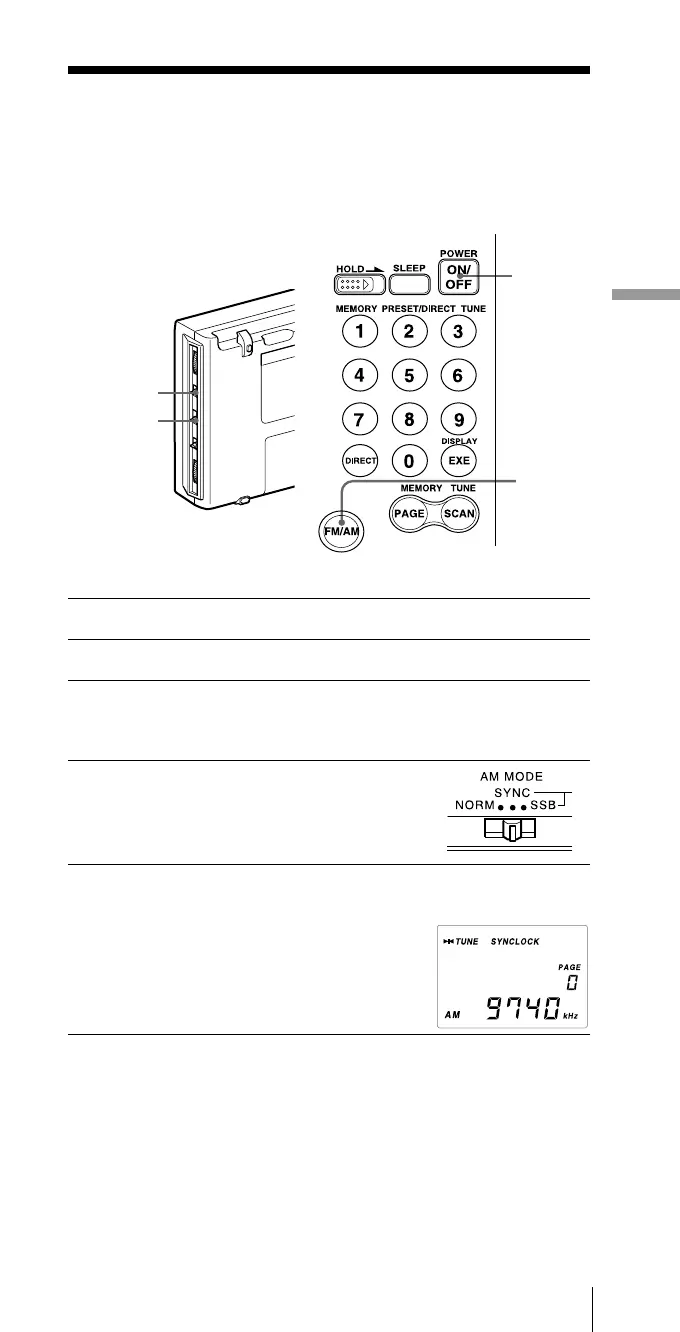
1 Press POWER ON/OFF to turn on the radio.
2 Press FM/AM to select AM.
3 Adjust the frequency.
For tuning, see Direct tuning (page 16), Manual tuning (page 18),
Auto scan tuning (page 20), or Memory scan tuning (page 24).
4 Set the AM MODE selector to SYNC.
5 Set the LSB/USB selector to either LSB or USB,
whichever has the best reception.
SYNCLOCK indicator will appear when the
synchronous detection circuit is locked.
Tip
For more information on synchronous detection, see “Tips on radio
waves”, page 41.
Note
SYNCLOCK indicator may not appear when the received signal is weak
and synchronous detection does not take effect.
5
4
1
2
Receiving SSB and CW transmissions


 To Next Page