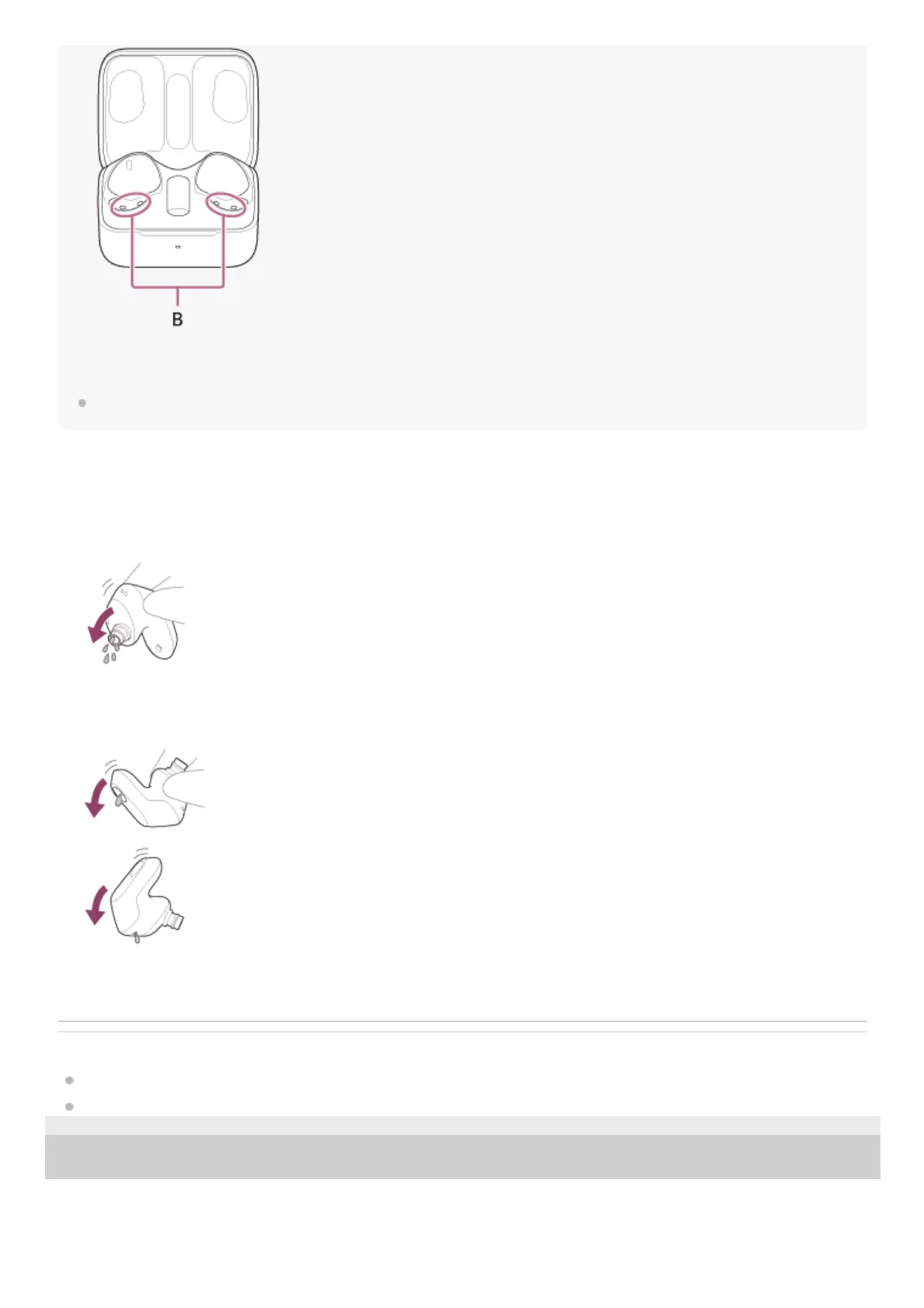
A: Charging ports of the headset units (left, right)
B: Charging ports of the charging case (left, right)
Also see the “Maintenance”, “To prevent burning or malfunction due to getting wet”, and “When the headset units, charging case
or USB transceiver gets wet” sections.
When the headset units get wet
Related Topic
Maintenance
To prevent burning or malfunction due to getting wet
5-052-425-11(1) Copyright 2023 Sony Corporation
Use a soft dry cloth to wipe off any water that gets on the headset units.1.
Remove the earbud tips, turn the sound conduits (sound output tubes) downward, and shake several times to get the
water out.
2.
Turn the microphone part or air hole part downward and gently tap it about 20 times on a dry cloth, etc. to remove
any water collected inside.
3.
Leave the headset to dry at room temperature.4.












 To Next Page