i-Manual online
Print Font Size
How to Use i-Manual
“BRAVIA” TV Features
Watching TV
Settings/Home Menu
Using Other
Equipment/Internet
Parts Description
Troubleshooting
Bookmarks
Index
i-Manual online map
Top Page > Using Other Equipment/Internet > Internet/Wireless LAN > Photomap
Photomap
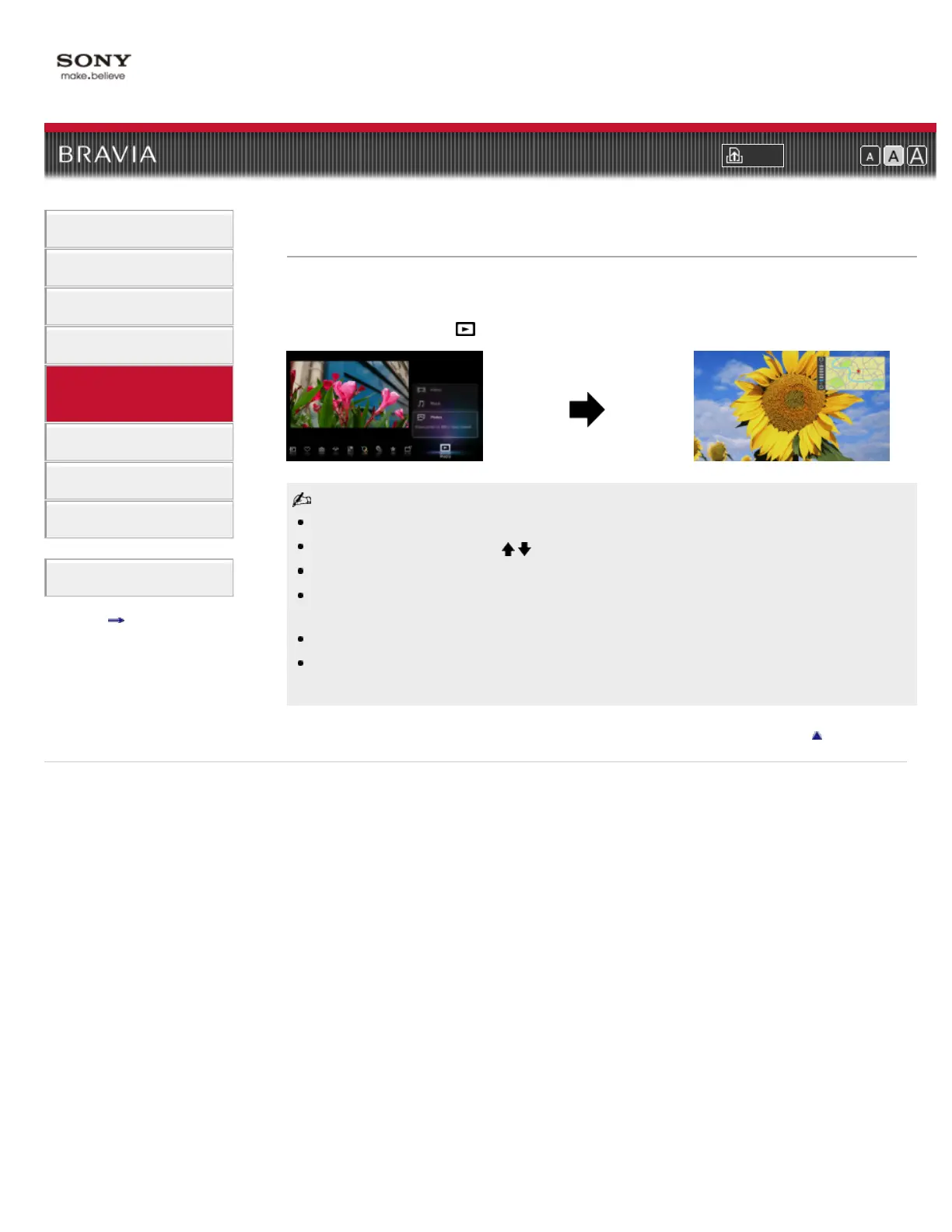
By connecting a digital still camera with GPS function, you can display a photo with a map of the
location where the photo was taken.
Press HOME, then select
→ [Photos] → the connected device → the desired photo.
To use this feature, the TV has to be connected to the Internet to download map information.
To zoom in/out the map, press
/ .
To change the display position of the map, press the far left color button repeatedly.
Only a large-scale map that cannot be zoomed in or out is displayed if the TV is not connected to
the Internet or the online map service is terminated.
The position indicated on the map may differ depending on the image capture device.
The Internet online map service is provided by a third party. For this reason, service may be
changed or terminated without prior notification.
Return to Top
Copyright 2011 Sony Corporation













 To Next Page