i-Manual online
Print Font Size
How to Use i-Manual
“BRAVIA” TV Features
Watching TV
Settings/Home Menu
Using Other
Equipment/Internet
Parts Description
Troubleshooting
Bookmarks
Index
i-Manual online map
Top Page > Using Other Equipment/Internet > Home Network > Renderer
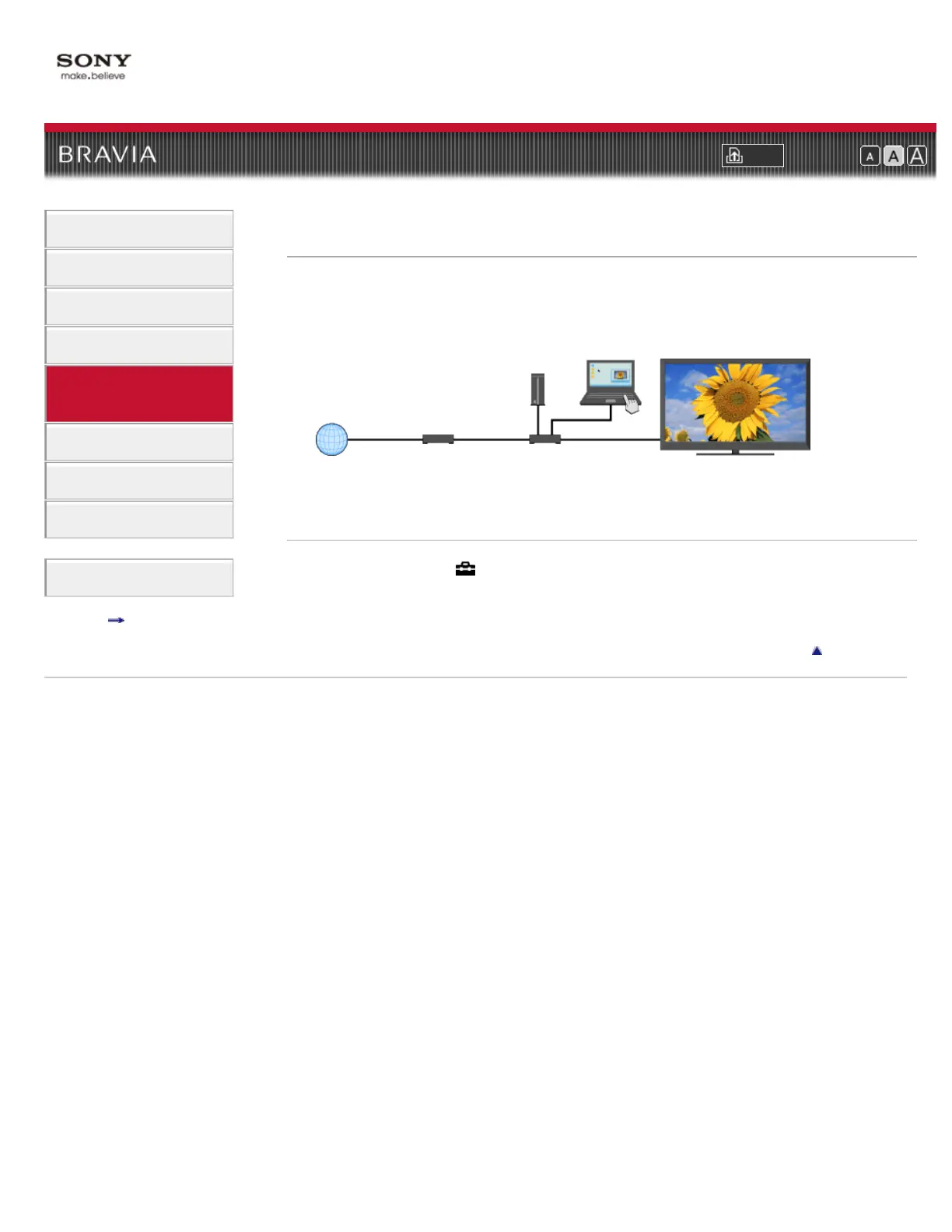
Renderer
You can play back photo, music and video files stored in network devices (e.g. digital still
cameras, mobile phones, PC) on the TV screen by directly operating the target device. The
network device should also be renderer-compatible.
Adjusting the renderer settings
Press HOME, then select → [Network] → [Home Network Setup] → [Renderer] → the desired
setting.
Return to Top
Copyright 2011 Sony Corporation
Network devices (DLNA-
certified media server)
DSL Modem/
Cable Modem
Internet
Router
TV













 To Next Page