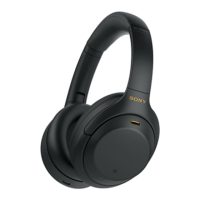
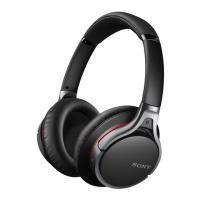
changed to the touch sensor of the left unit.
You can also change the settings that do not assign the music playback function, noise canceling function, Ambient Sound Mode
and playback volume adjustment function, etc.
Note
You cannot operate the touch sensors when not wearing the headset. If you disable the wearing detection automatic power off
function with the “Sony | Headphones Connect” app, the touch sensors can be operated even when the headset is not worn.
When you make initial settings for the Google Assistant on your smartphone, the function assignments to the touch sensors may
change automatically.
Check the function assignments to the touch sensors with the “Sony | Headphones Connect” app.
When you make initial settings for Amazon Alexa on your smartphone, the function assignments to the touch sensors may
change automatically.
Check the function assignments to the touch sensors with the “Sony | Headphones Connect” app.
Related Topic
What you can do with the “Sony | Headphones Connect” app
Controlling the audio device (Bluetooth connection)
Functions for a phone call
5-035-792-11(1)
Copyright 2022 Sony Corporation



 To Next Page