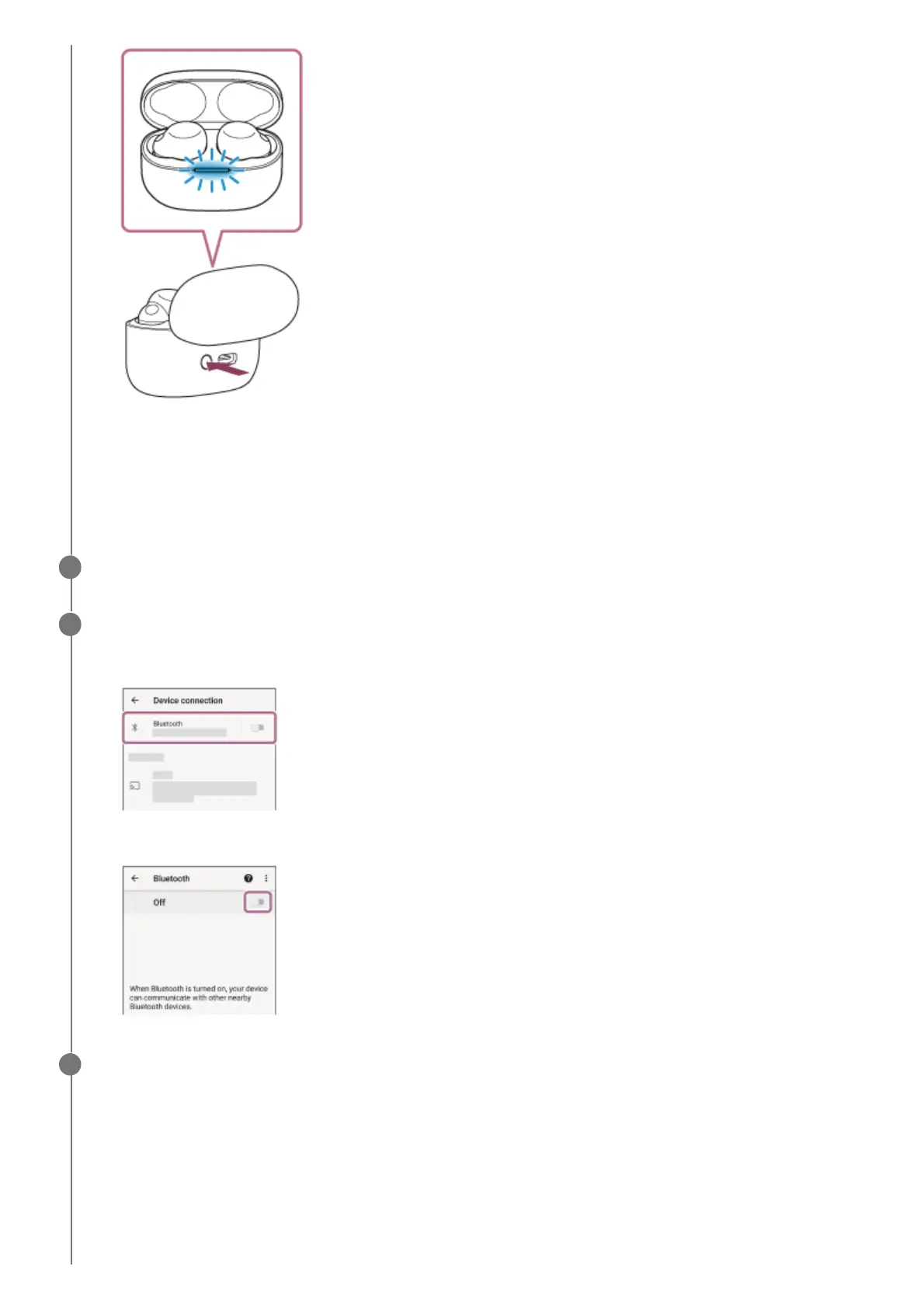
The indicator (blue) on the charging case repeatedly flashes slowly twice in a row and the headset goes into
pairing mode.
You can remove the headset from the charging case after entering pairing mode. When you put the headset
units into both ears, you will hear a notification sound and the voice guidance say “Pairing”, from both headset
units at the same time.
Unlock the screen of the Android smartphone if it is locked.
2
Find the headset on the Android smartphone.
3
Select [Settings] - [Device connection] - [Bluetooth].
1.
Touch the switch to turn on the Bluetooth function.
2.
Touch [LinkBuds S].
4



 To Next Page