masterpage:Right
filename[D:\MVC-CD1000 kaihan\3062473121\3062473121MVCCD1000UC\02GB-
MVCCD1000UC\05bas.fm]
B
BB
B Playback
27
model name1[MVC-CD1000]
[3-062-473-12(1)]
To pause playback
Select X (pause) on the LCD screen or on the viewfinder with v/V/b/B on the
control button, then press the center x.
When the menu bar is not displayed
You can directly select the image with b/B on the control button, and play back the
imageandsoundbypressingthecenterx. When you press the center x during
playback, playback is paused.
Moving images recorded with the image of [320 (HQ)]
The images are displayed over the entire screen in steps 3 and 4.
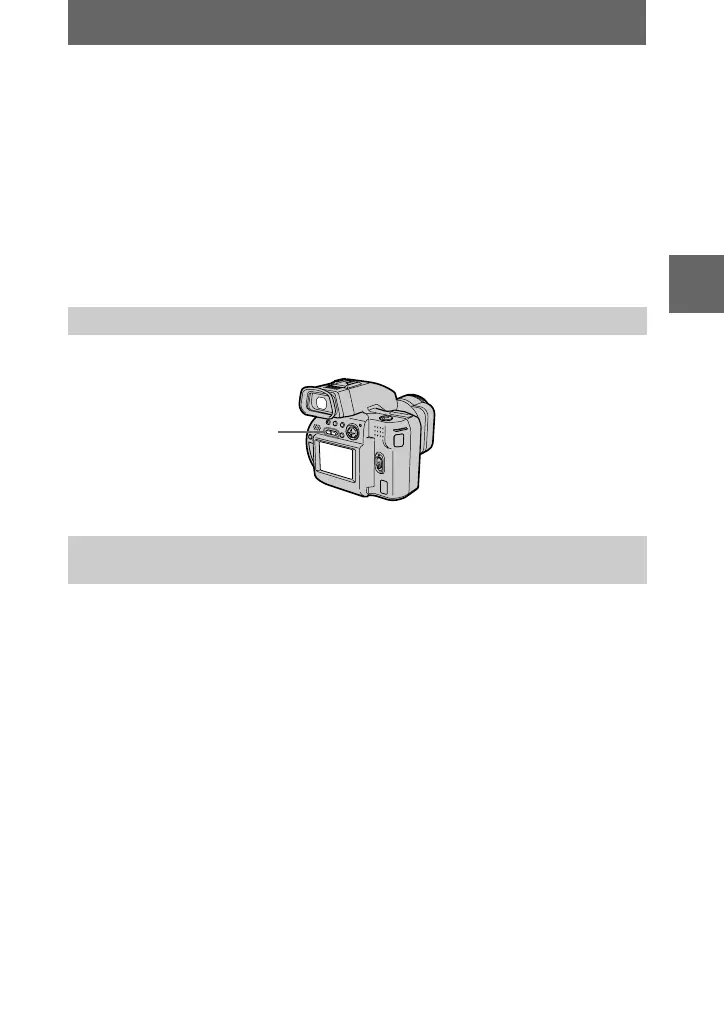
Press VOLUME+/– to adjust the volume.
Press DISPLAY to turn on/off the indicators on the LCD screen or on the viewfinder.
See page 76 for a detailed description of the indicators.
Adjusting the volume of the built-in speaker
LCD screen or viewfinder indicators during moving image
playback
VOLUME+/–
01cov.book Page 27 Wednesday, July 19, 2000 10:33 AM



 To Next Page
 Loading...








